
Ticket forms
Ask the right questions up front: forms with required answers, offered in the portal.
- Plans
- From Starter
- Who can
- Owners and admins
- Where
- Tickets → Forms
- Last updated
A form asks the questions a kind of request always needs, so the first message already has the order number and what went wrong.
#Create a form
- Go to Tickets → Forms.
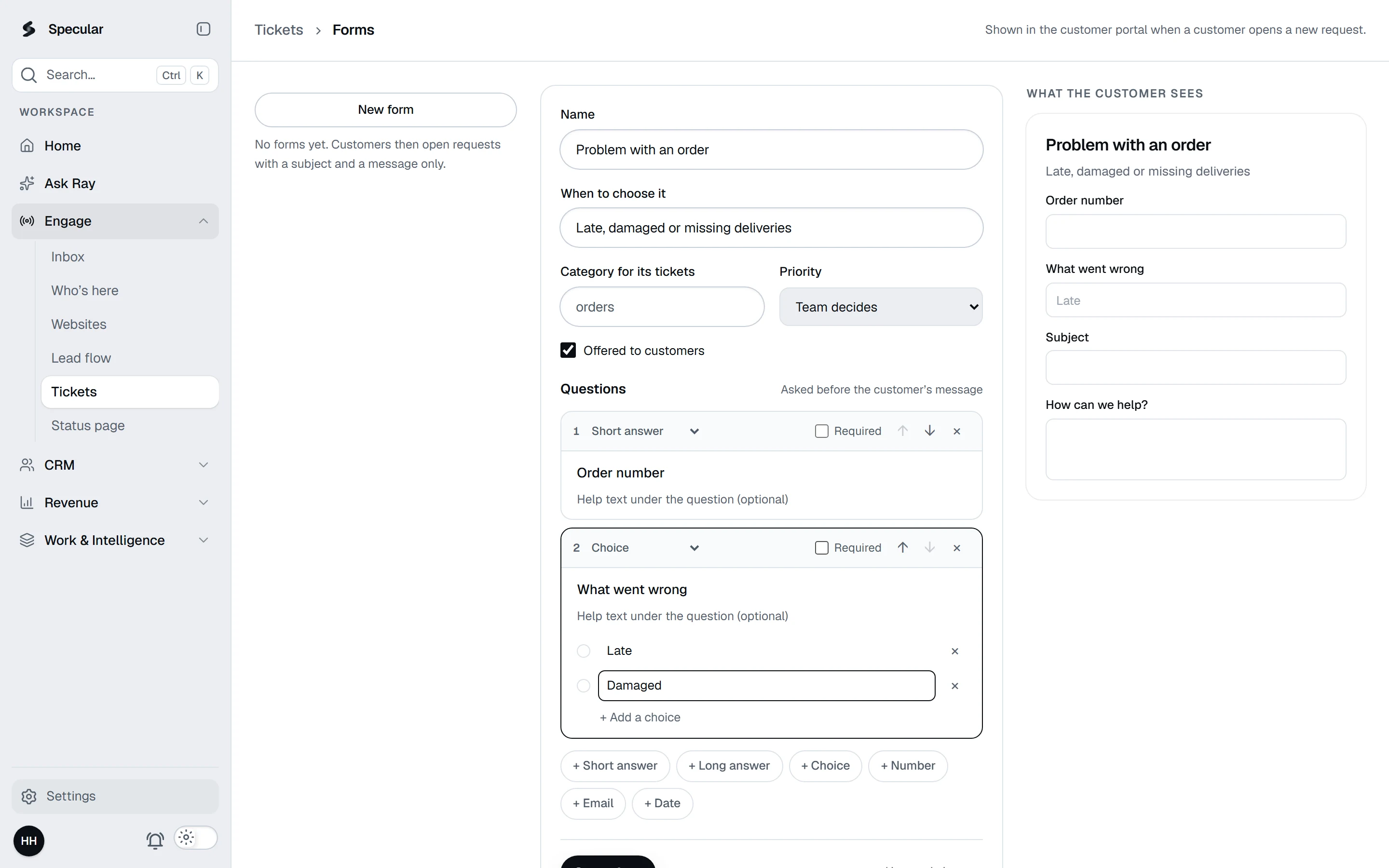
- Name the form, for example Problem with an order, and say when to choose it.
- Choose the category and priority its tickets get.
#Add questions
- Click a question type: + Short answer, + Choice and the others.
- Write the question, add choices where needed, and tick Required if it must be answered.
- Reorder questions by moving them up or down.
- Click Create form.
#Where customers see it
In the customer portal, New request asks which kind first, then the form’s questions. On the ticket, the answers appear under From the request form.