
Your own kinds of record
Track what the standard records do not: investors, properties, projects, anything.
- Plans
- Every plan
- Who can
- Members who can configure the CRM
- Where
- Settings → CRM → Objects
- Last updated
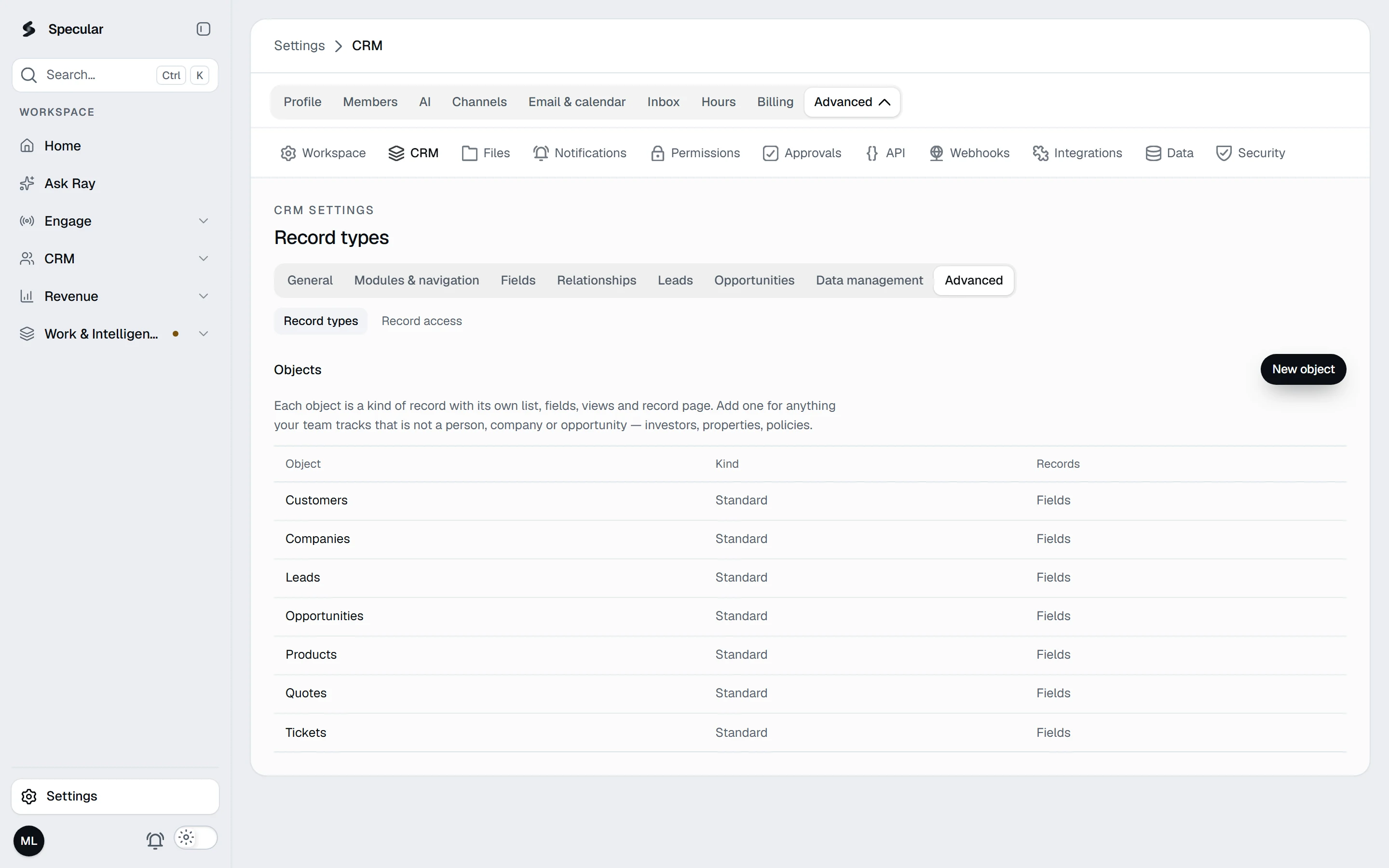
When the standard records do not fit something you track (investors, properties, vehicles, projects), create a kind of record of your own. It gets a list, record pages, views and fields like any other.
#Create one
- Go to Settings → CRM → Objects.
- Click New object.
- Fill in Name of one record (Investor) and Name of many (Investors), and a description.
- Click Create object.
#Give it fields
Click Fields beside it and add fields as for any record (see Fields). Or ask Ray to create it with its fields in one go.
#Use it
It appears in the sidebar with its own list and record pages. Rename and Archive are in its menu; archiving keeps its records.