
Configure and style the help centre
Templates, your brand, the header and hero, sections, languages and search engines.
- Plans
- Every plan
- Who can
- Owners and admins
- Where
- Knowledge → Help centre → Configure and style
- Last updated
Configure and style is where the help centre’s settings and look live. The preview on the right shows your changes before anyone else sees them.
#The editor
- Go to Knowledge → Help centre, choose the site and click Configure and style.
- Use the General and Styling tabs on the left. Each section opens as you click it.
- Switch the preview between Homepage, a collection or an article, and between Mobile, Tablet and Desktop.
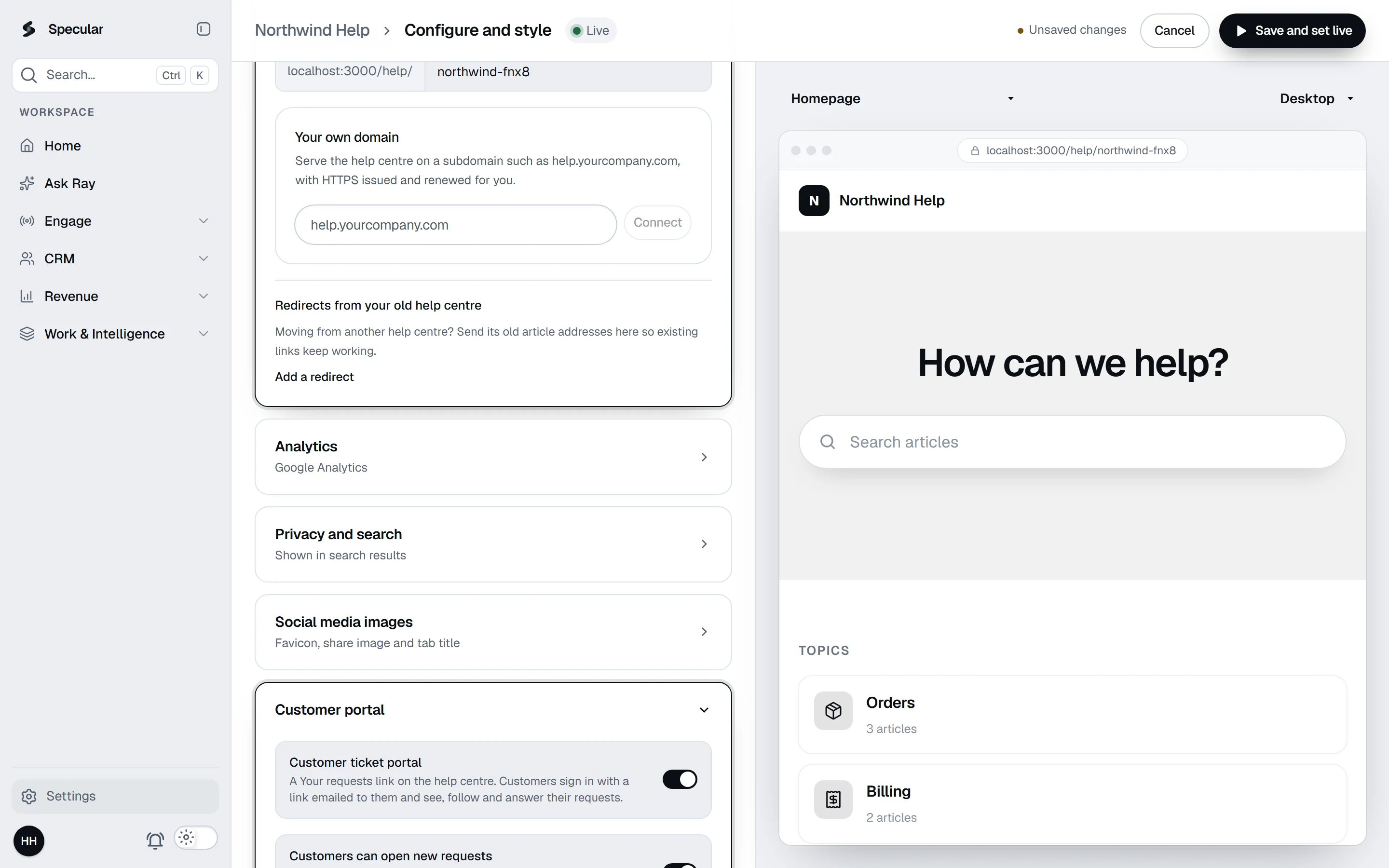
#General
- Supported languages: the default and the others you offer; articles carry translations.
- Domains: the help centre’s address, your own domain, and redirects from old paths.
- Analytics: a Google Analytics measurement ID, if you use one.
- Privacy and search: whether search engines may index it.
- Social media images: the favicon, share image and page title.
- Customer portal: see the portal.
#Styling
- Templates: four complete designs: Atlas, Ledger, Manual and Signal.
- Import your brand: take your site’s logo, colour and icon.
- Header and Hero block: logo, title, links, welcome message, background and search size.
- Shared elements: background, action colour, corners and fonts.
- Layout and sections: collections, featured articles and a content block, in the order you drag them.
- Collection page, Article page and Footer.
#Save and set live
Nothing changes for readers until you click Save and set live. Cancel leaves the live help centre as it was.