
Data quality
Find duplicates, records nobody owns and details that are missing or wrong, and fix them.
- Plans
- Every plan
- Who can
- Everyone sees; merging needs bulk changes
- Where
- Settings → CRM → Data management
- Last updated
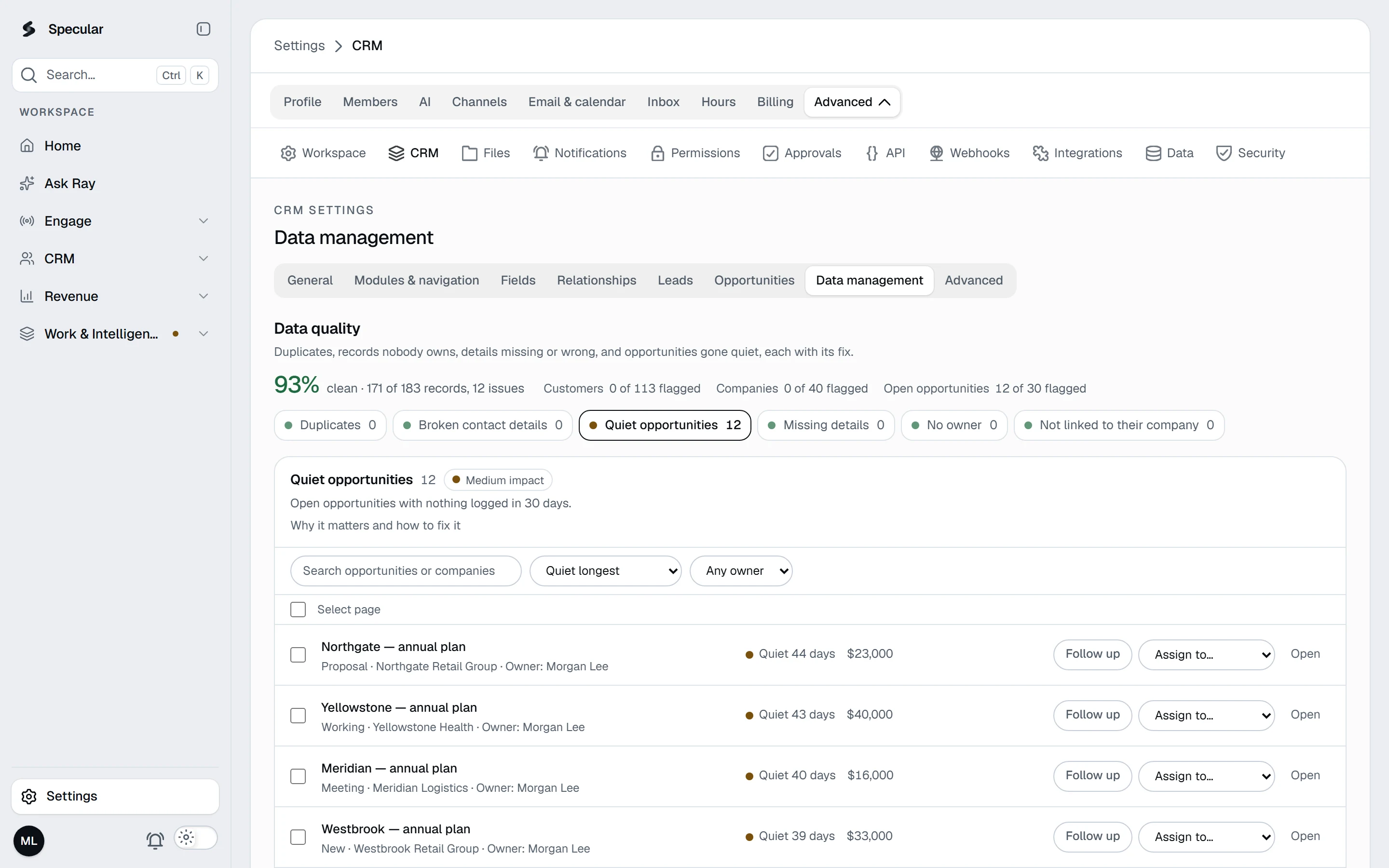
Data quality keeps the CRM clean: duplicates, broken contact details, opportunities gone quiet, missing details, records nobody owns, and people not linked to their company, each with its fix.
#Open data quality
Go to Settings → CRM → Data management. Data quality is the first section: how clean each kind of record is, then a list per problem.
#Duplicates
- Open Duplicates. Each pair says why it looks like a duplicate.
- Merge the pair into one record, or mark it Not the same so it is not raised again.
- Click Check again after a big change to look afresh.
#The other checks
Each list links to the records with the problem and offers the fix, such as assigning an owner or linking a person to their company.