
Shifts
Plan who is on when, so work is offered to people during their shifts.
- Plans
- From Starter
- Who can
- Owners and admins plan; everyone sees
- Where
- Who's here → Shifts
- Last updated
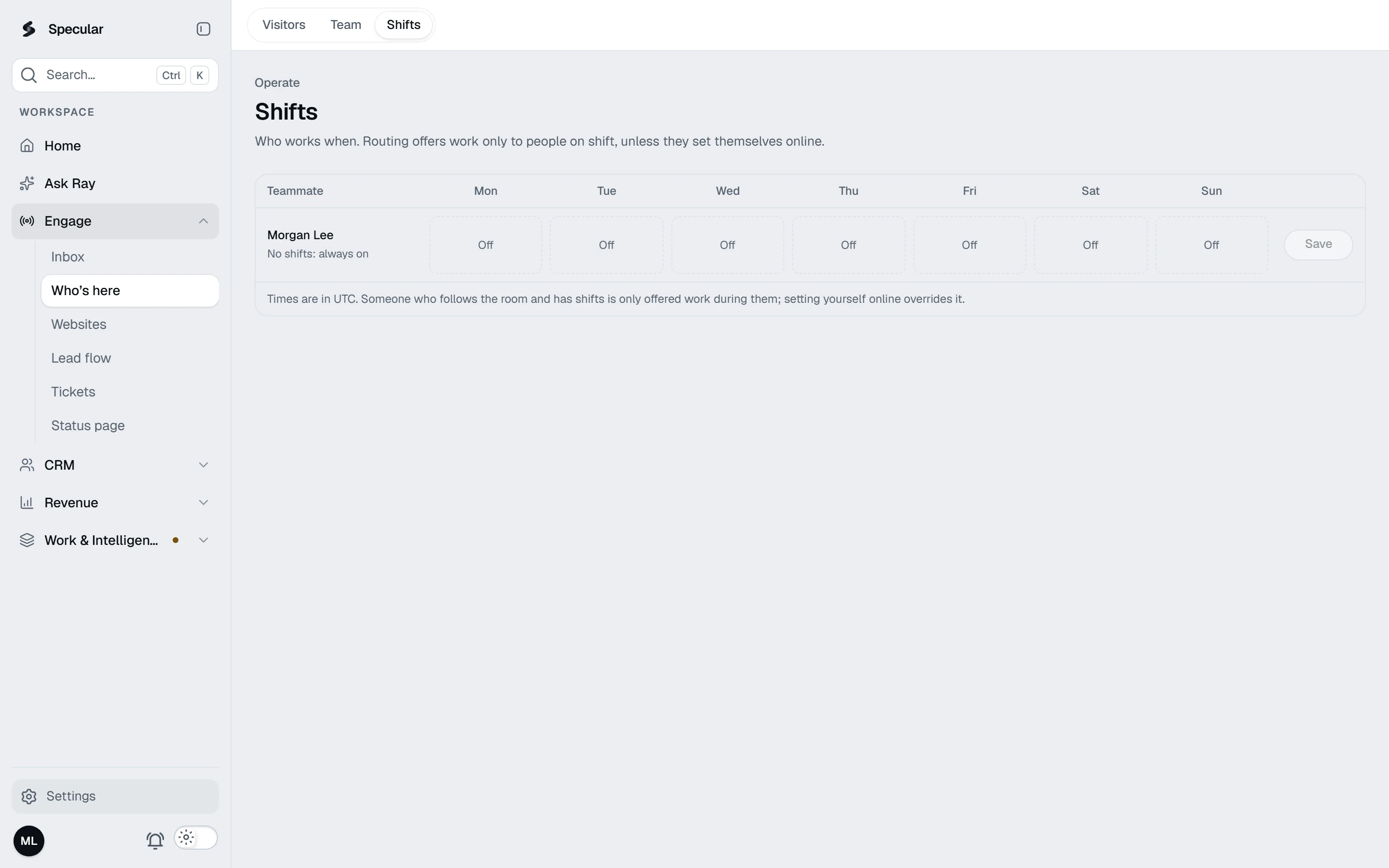
Shifts say when each teammate works. Someone with shifts is only offered conversations while on shift, so work never waits with someone who has gone home.
#Plan the week
- Go to Who’s here → Shifts.
- For each teammate, set the days and times they work, in the workspace time zone.
- Click Save.
#How shifts decide who gets work
A teammate who takes conversations and has shifts is offered work only during them. A teammate with no shifts is treated as always available, as before.
#Shifts on the team floor
Who’s here shows who is On shift now and who is off, beside who is online.