Quality reviews
Score conversations against a scorecard, for teammates and the AI agent alike.
- Plans
- Every plan
- Who can
- Owners, admins and managers
- Where
- Insights → Quality
- Last updated
Quality reviews score conversations against a scorecard, the same way for teammates and for the AI agent, so coaching rests on evidence.
#Build a scorecard
- Go to Insights → Quality and open Scorecards.
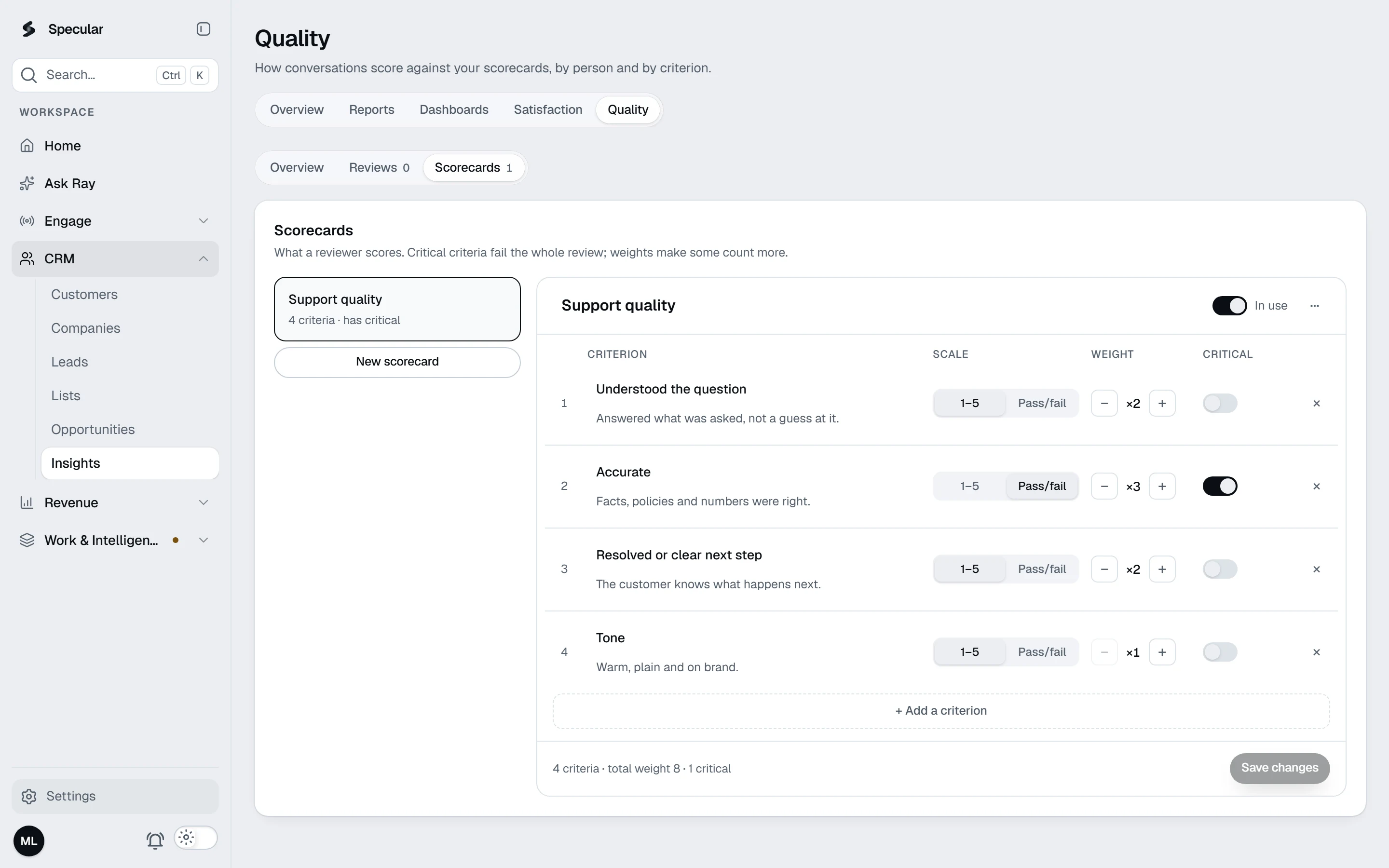
- Click New scorecard, or Use the starter scorecard to begin from a good default.
- For each criterion, write what you score and what a reviewer should look for, choose Scale (1 to 5, or pass and fail) and a Weight.
- Mark a criterion Critical if failing it fails the review.
- Click Create scorecard.
#Review a conversation
- Open the conversation in the inbox.
- In the details column, open Quality review.
- Choose the Scorecard and Whose replies you are reviewing: the AI agent or a teammate.
- Score each criterion, or mark it not applicable, and add a comment.
- Click Save review.
#Read the results
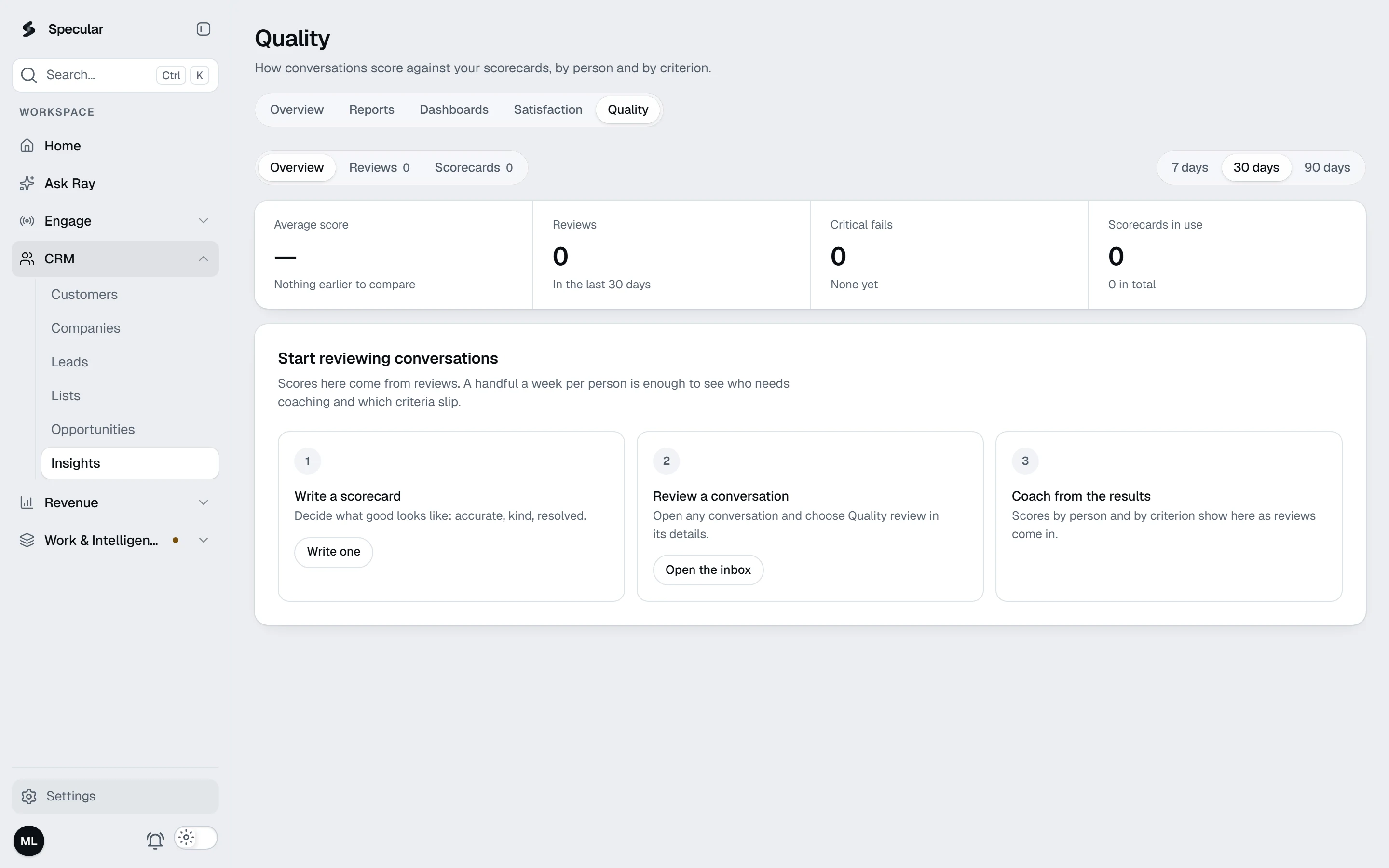
Insights → Quality shows reviews, the average score and critical fails over 7, 30 or 90 days, by person (the AI agent among them) and by criterion, with recent reviews linked to their conversations.