
The customer portal
Customers sign in by email link on your help centre and follow their requests.
- Plans
- Every plan
- Who can
- Owners and admins turn it on
- Where
- Knowledge → Help centre → Configure and style → General → Customer portal
- Last updated
The portal puts Your requests on your help centre. Customers sign in with a link sent to their email, see their requests and your replies, answer, and raise new ones.
#Turn it on
- Go to Knowledge → Help centre, choose the site, then Configure and style.
- On General, open Customer portal and switch on Customer ticket portal.
- Click Save and set live.
#What the customer sees
- Your requests in the help centre’s header.
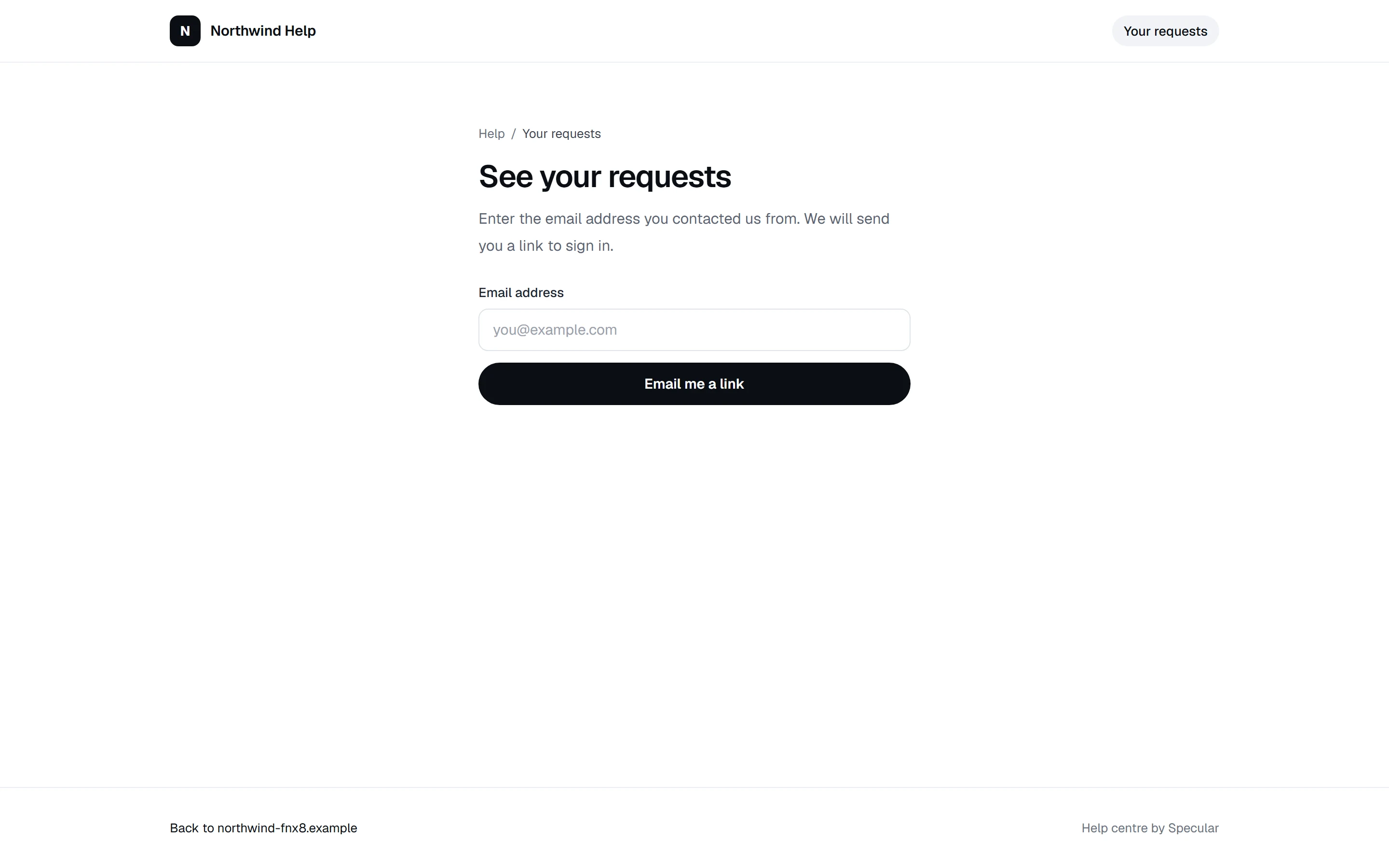
- Their email address, then Email me a link.
- The link from the email signs them in: their requests, open ones first, each with your replies (never internal notes), and a box to answer.
- A new request, which asks which kind first when you have ticket forms.
#What the team sees
A customer’s message from the portal arrives on the ticket marked From the customer portal. A waiting or resolved ticket goes back to the team.
#How sign-in is kept safe
- The answer is the same whether or not the address is known, and requests are limited.
- A link works once, within 30 minutes; a session lasts 30 days on that help centre.
- Only fingerprints of links and sessions are stored, never the links themselves.