
Set up the help centre
Publish articles in collections on a public help centre, and set it live.
- Plans
- Every plan
- Who can
- Owners and admins
- Where
- Knowledge → Help centre
- Last updated
Each website has a public help centre: articles in collections, searchable, in every language you offer. The AI agent answers from the same articles, and the widget can open and search them.
Before you start
- A website in the workspace a help centre belongs to a site (Websites → Add a website)
- An owner or admin to change it and set it live
#Open the help centre
- Go to Knowledge → Help centre and choose the website.
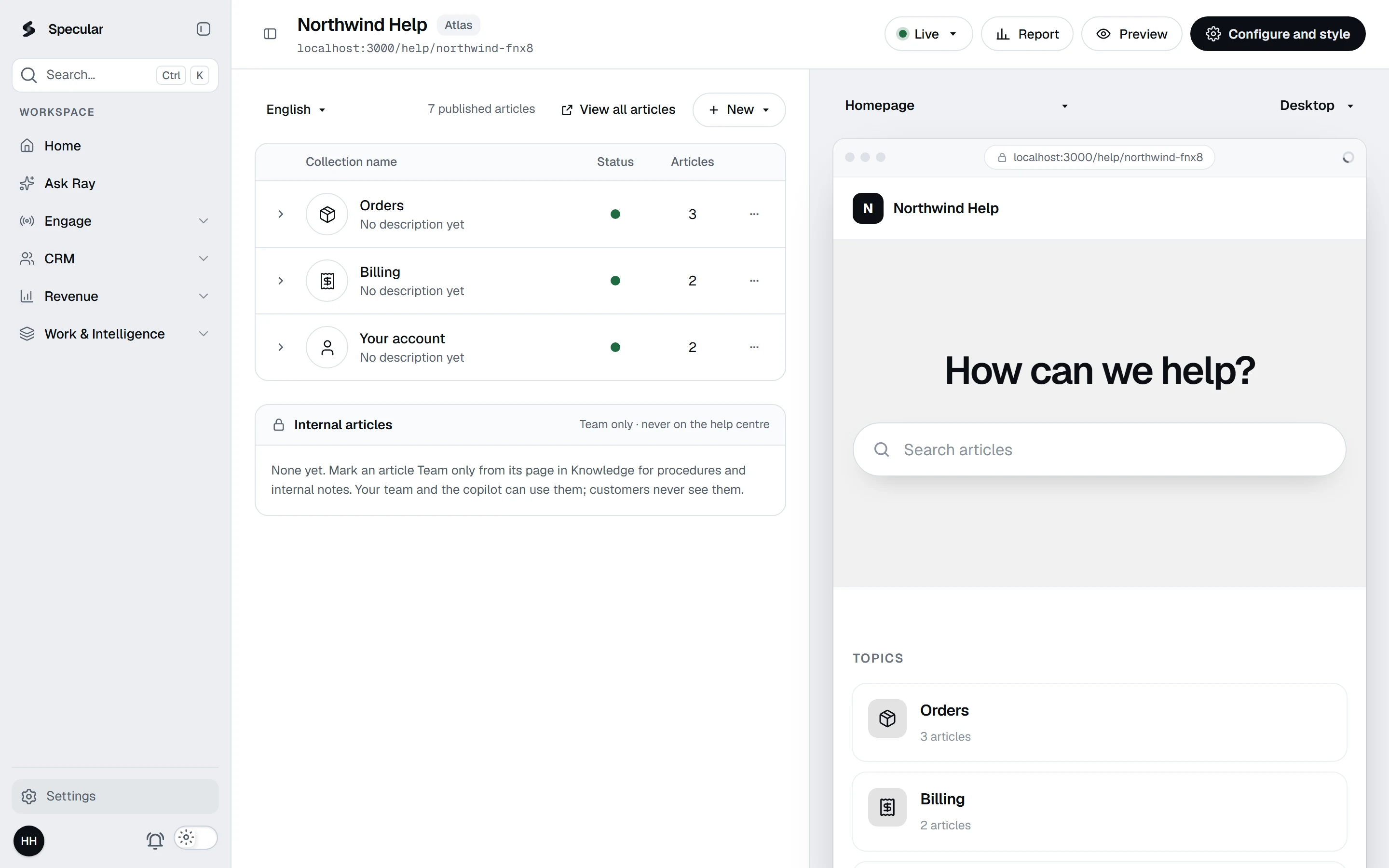
- The home shows its collections and articles, a live preview, Preview, Report and Configure and style.
#Collections and articles
- Click New, then Collection. Give it a name, a description and an icon.
- Click New, then Article. Write the Article title and the body, and choose its collection.
- Choose who it is for: Customers for the public help centre, or internal for the team and the agent only.
- Click Publish changes.
#Set it live
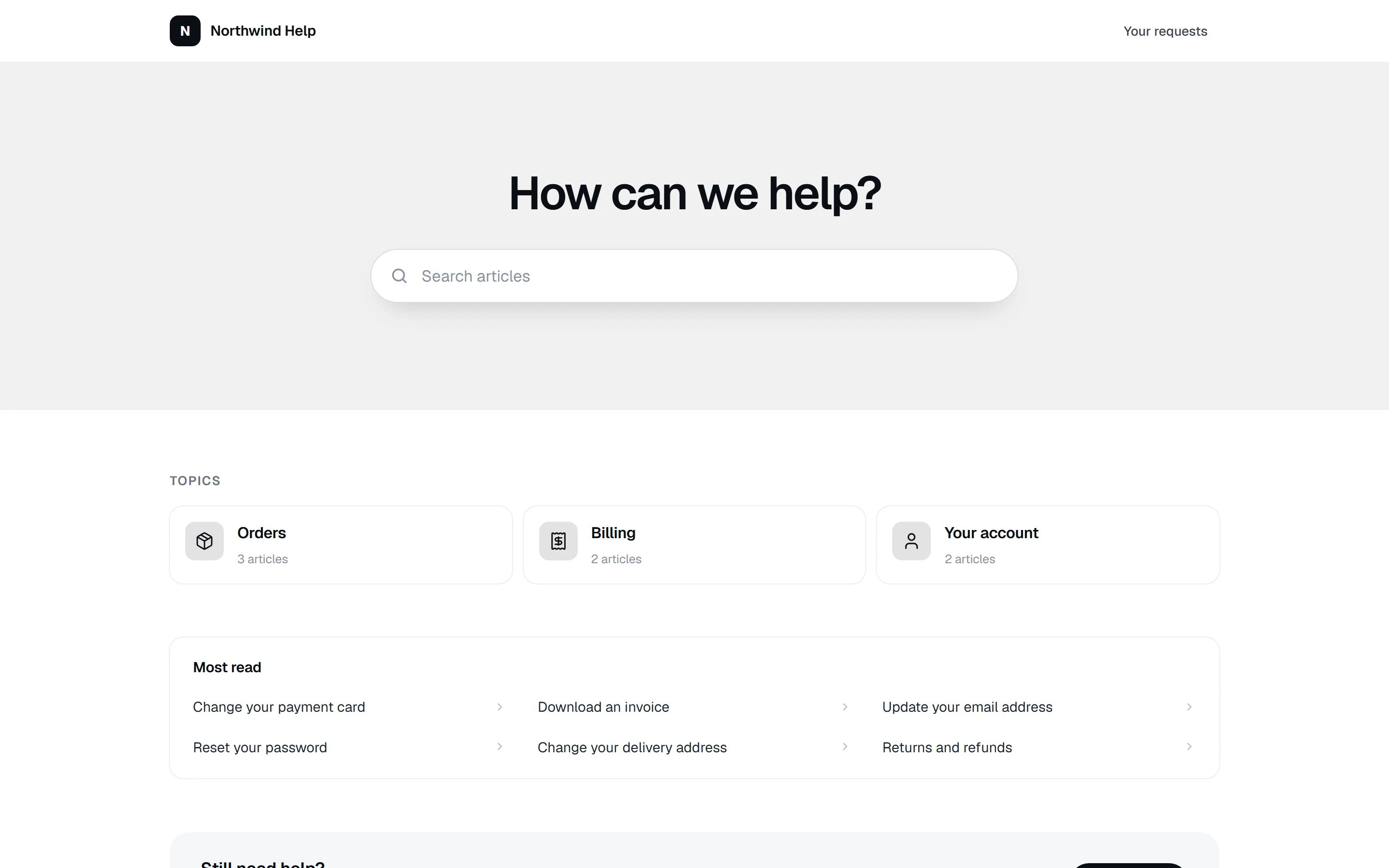
Switch the help centre to Live from the menu at the top. Offline, it stays private to the team.
#Its address and your domain
The help centre lives at /help/your-address on Specular. Choose the address, or connect your own domain such as help.yourcompany.com, in Configure and style → General → Domains.
#Troubleshooting
- The public page says it is not available
- The help centre is offline. Set it Live.
- An article does not appear
- It is still a draft, or it is internal. Publish it for Customers.
- Your own domain does not load
- The DNS record is not in place yet. Domains shows the record to add and whether it is verified.