Products and prices
Keep a catalogue of what you sell, its price and billing, and see where it is used.
- Plans
- From Starter
- Who can
- Members with write access to customers
- Where
- Products in the sidebar
- Last updated
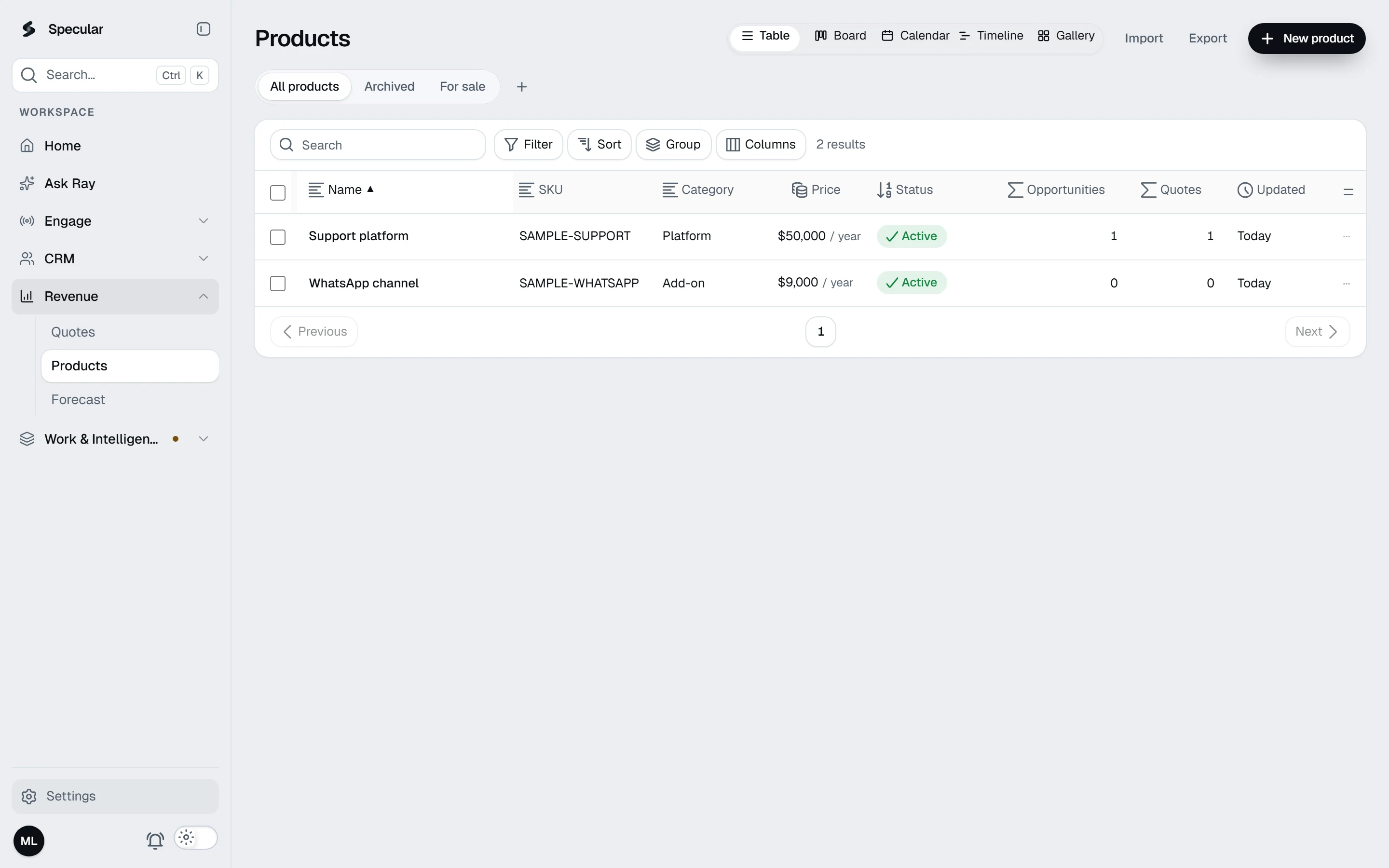
The product catalogue holds what you sell and what it costs. Opportunities and quotes take their lines from it, and each product shows where it is used.
#Add a product
- Open Products in the sidebar.
- Click New product.
- Give it a name, a price and how it is billed, and create it.
#Price and billing
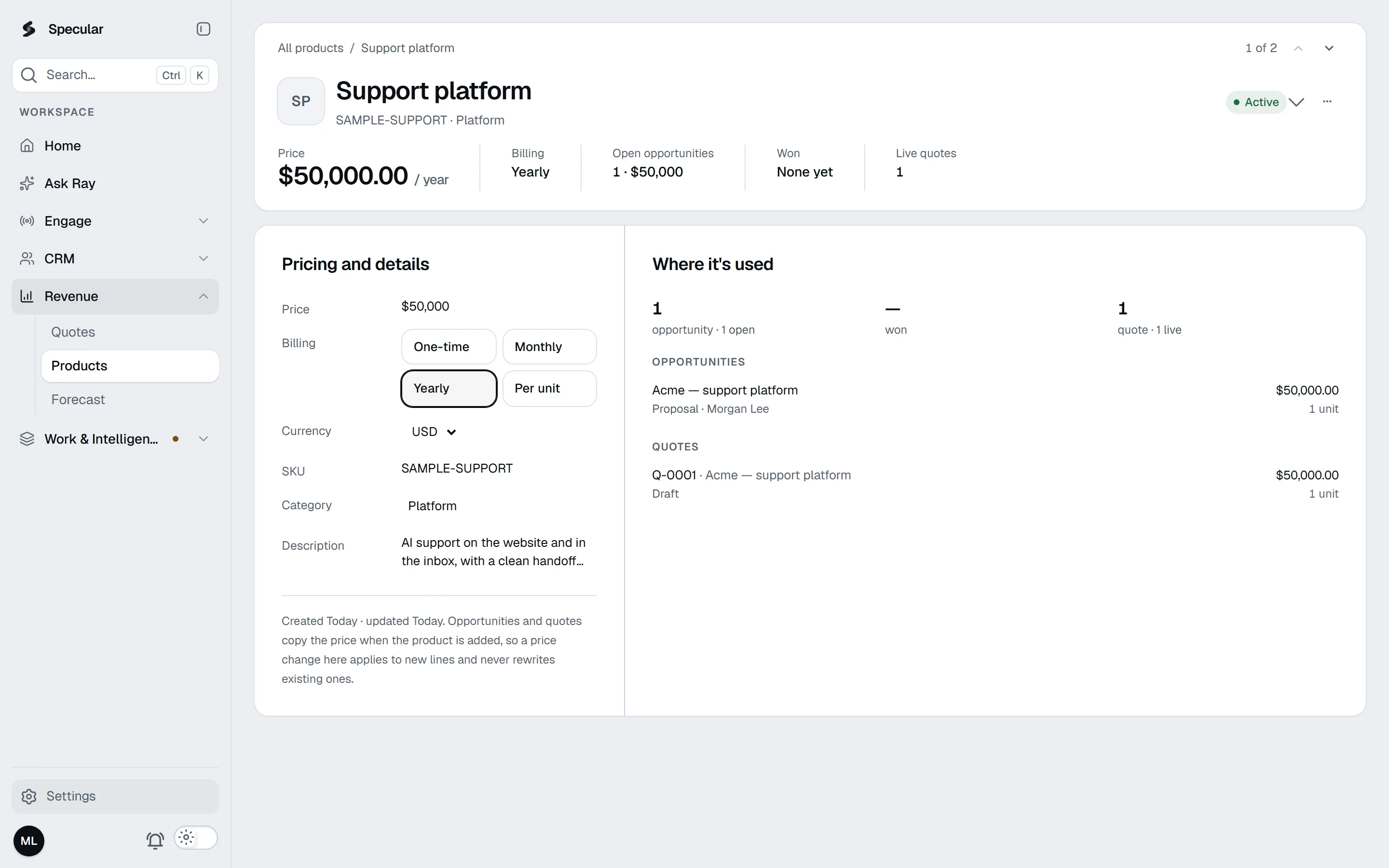
On the product’s page, set the price, the billing (One-time, Monthly, Yearly or Per unit), the currency, the SKU, the category and a description. Each is saved as you change it.
#Active, inactive and archived
- Active: offered when someone adds a product.
- Inactive: kept in the catalogue, not offered.
- Archived: out of the catalogue; deals and quotes keep it as they had it.
#Where it is used
The product’s header shows its open opportunities, what it has won and its live quotes; Where it’s used lists each one.