
Route by skill and language
Give teammates skills and languages, and have routing send work to who can handle it.
- Plans
- From Starter
- Who can
- Owners and admins
- Where
- Settings → Members · Lead flow → Route
- Last updated
Give teammates the skills and languages they have, then let routing rules ask for them: a billing question in German goes to someone who speaks German and knows billing.
#Add skills and languages
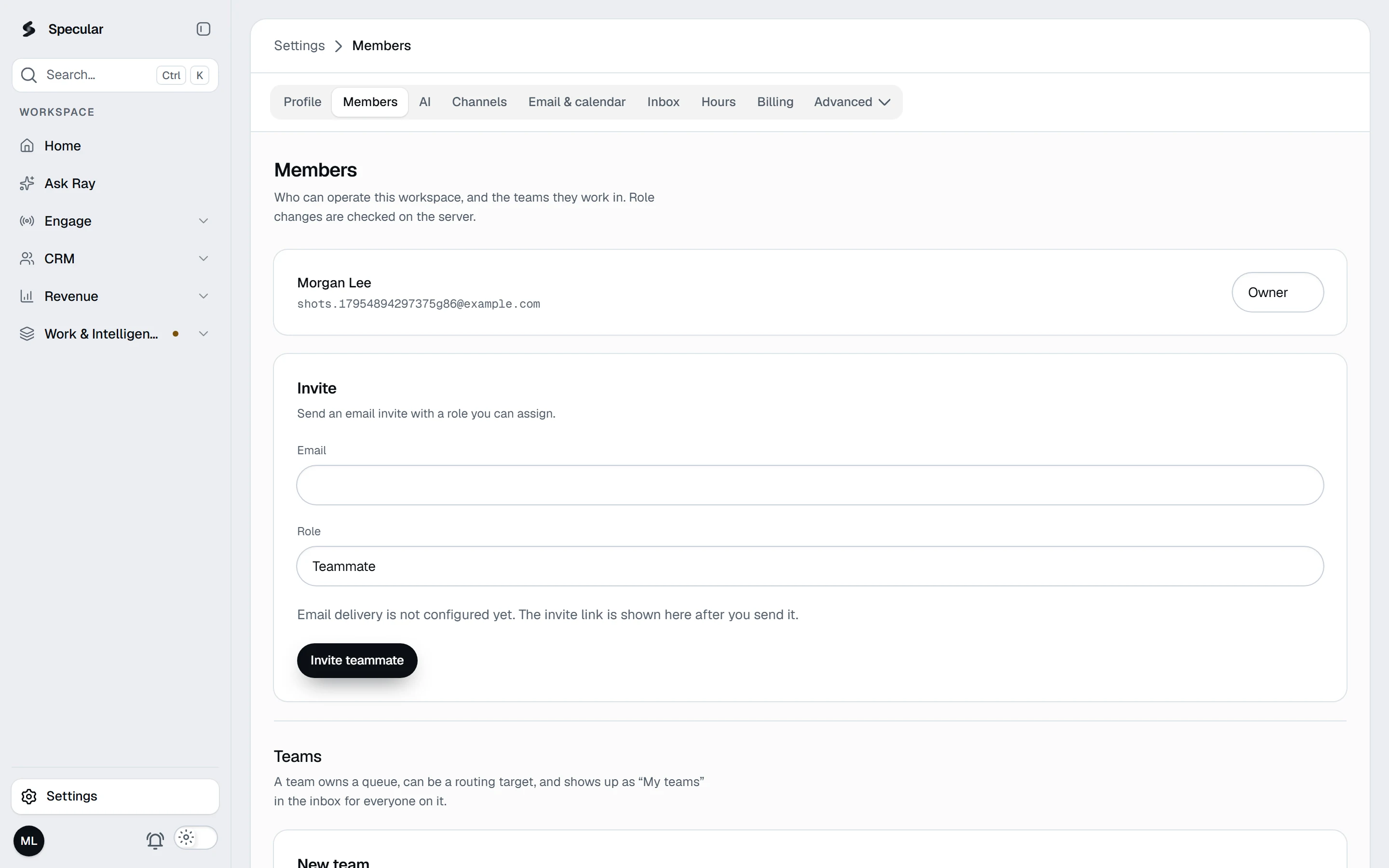
- Go to Settings → Members.
- Beside a teammate, add Skills (for example Billing) and Languages. Each is saved as you add it.
#Ask for them in a rule
- Go to Lead flow → Route and open a routing policy.
- Add or edit a rule.
- Fill in And the customer writes in (optional) and Only teammates with the skills (optional).
- Save the rule.
#How the language is known
From the page’s own language setting when your site sends it, otherwise from a clear reading of the customer’s first messages.
#Troubleshooting
- A rule is skipped
- Nobody available has the language and every skill the rule asks for (people at their limit or set to offline are skipped too), so the next rule is tried.