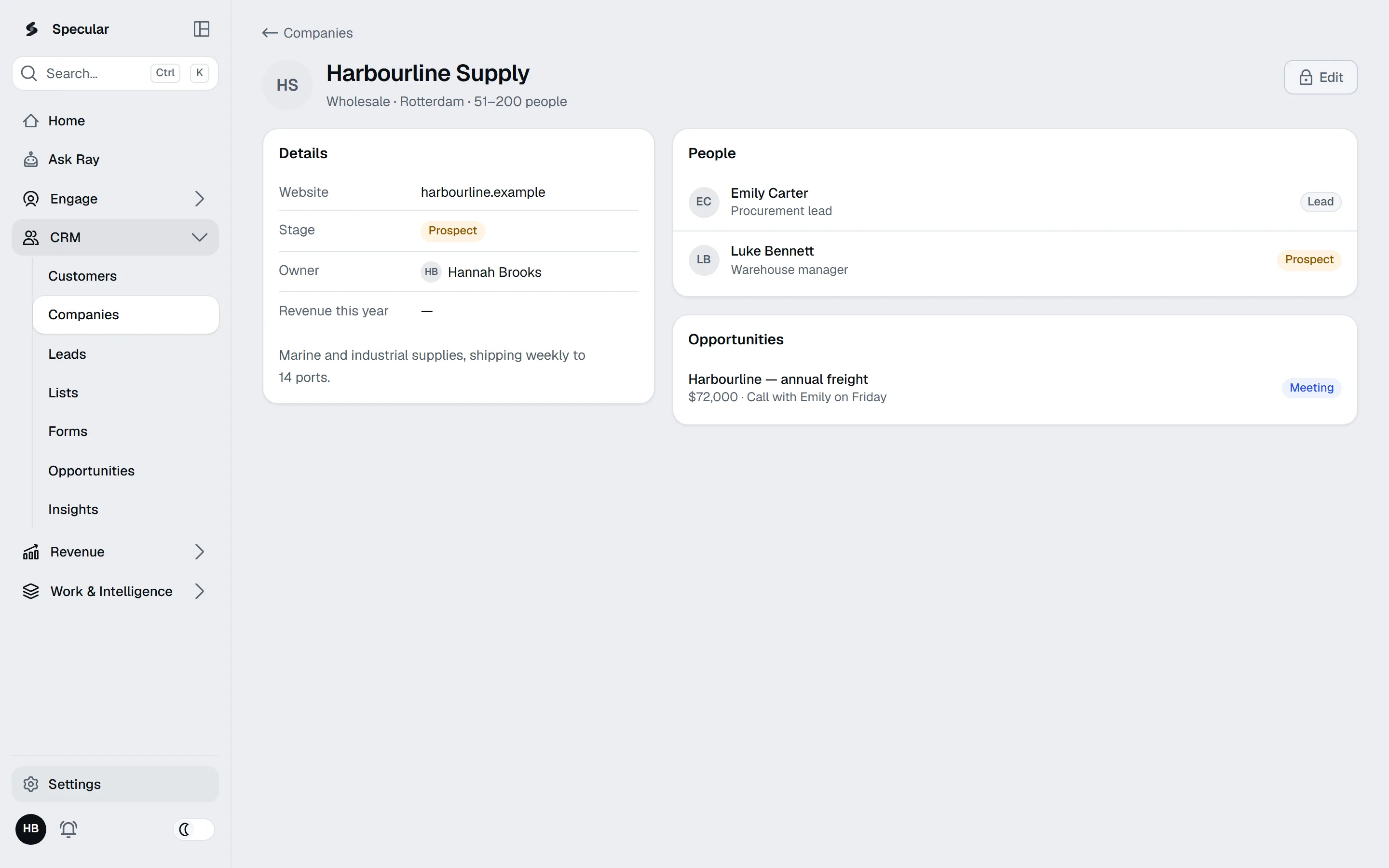
Ask about the record in front of you.
Ask Ray sits in the right-hand column of every record, already knowing which customer or deal you mean.
- Create a follow-up task
- Summarise what was said
- Suggest the next step
AI
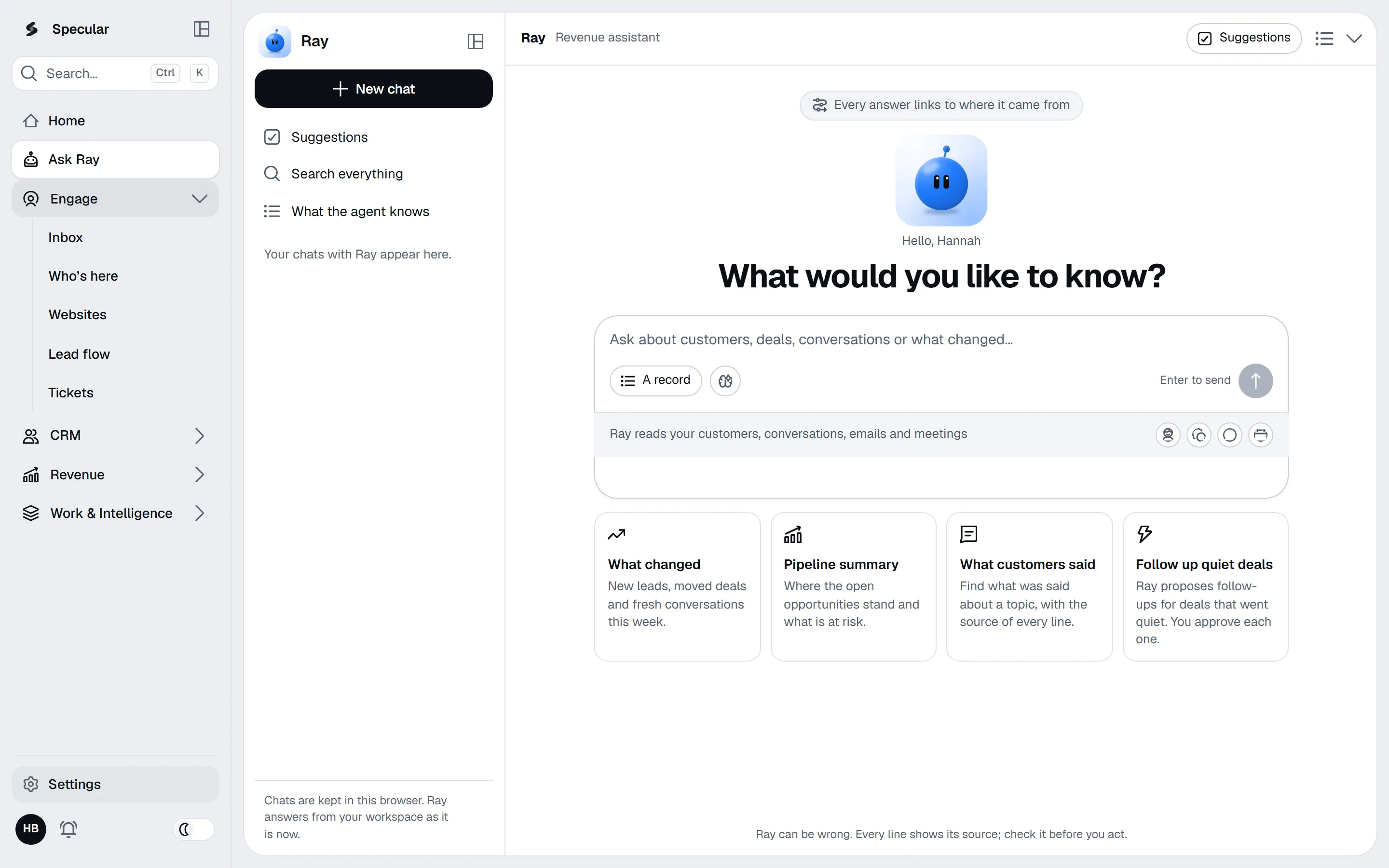
Ask Ray about a customer, a deal or the whole pipeline and get an answer with its sources. Ask it to do something, such as add a task, update a deal or set up a field, and it does it with your permissions.
Ask Ray
The AI assistant for your team: answers questions and completes tasks across Specular.
Ask Ray sits in the right-hand column of every record, already knowing which customer or deal you mean.
Add a field and its rules, save a view, or create a kind of record of your own, the way an admin would in Settings.
Inside the product
The real screens, as your team uses them.
Ask Ray sits in the right-hand column of every record, already knowing which customer or deal you mean.
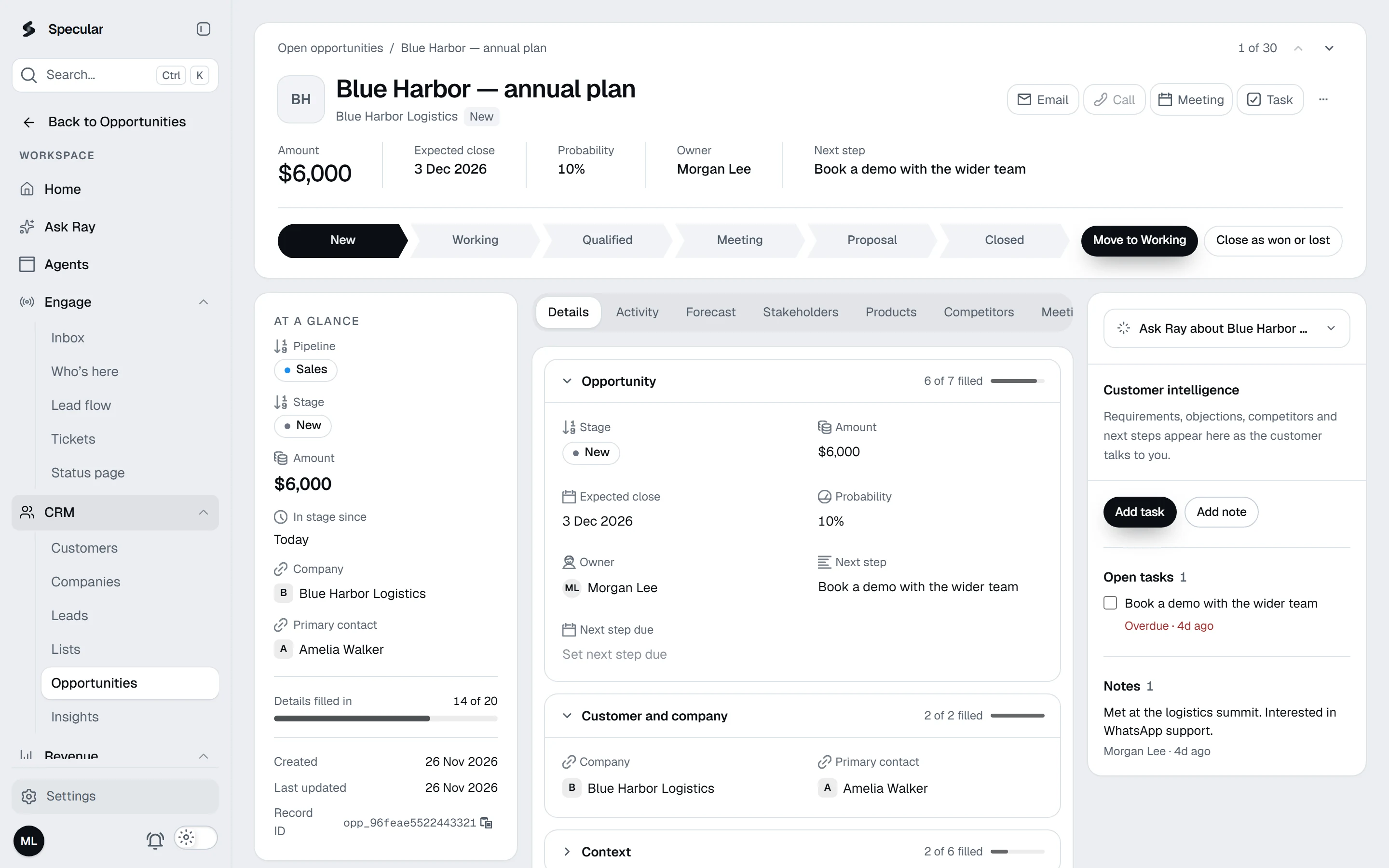
Ask, then act
Ray answers your team's questions from your own records and proposes the next step; you approve what changes.
What changes
Ask about any customer or deal and get the answer with its sources.
Ray proposes them; you approve each one.
Every answer links to the record it came from.
How it works
Each step has a guide with the exact screens and buttons.
Why Specular
What comes with every workspace, whichever feature brought you here.
Pricing
Conversations your team answers are unlimited on every plan, including the free one. Every AI capability has a monthly allowance you can read before you pay.
Put an agent on one website and see what it does.
$0/ month
On your own AI key. No card needed.
Start freeIncludes
One site, one person, your own AI key, and no card.
Everything in Free, plus
A second website and room to grow into.
Everything in Starter, plus
Teams whose agent is answering every day.
The most AI included, with the API, webhooks and traces.
$160$200/ month
$1,920 billed yearly
Choose ProEverything in Growth, plus
Multi-site operations that run on this daily.
Enterprise
Procurement, compliance, and volume that needs a conversation.
Compare every plan, feature by feature
Going past an allowance never cuts a visitor off mid-conversation. On paid plans, extra usage draws on prepaid credit ($10, $25, $100 packs that never expire), never an open-ended bill. Free runs its AI on your own provider key. Nothing is charged per lead or per meeting.
Questions
Plans Ask Ray is on every plan; its answers use the workspace's internal AI credit. See pricing
No. Ray reads and changes only what you can. Read the guide
Before risky ones, yes. Changes to money, access, deletions, and anything sent or published wait on a card until you confirm. Every change is recorded as Ray's. Read the guide
Yes. Add https://hispecular.com/api/v1/mcp as a custom connector and sign in with your Specular account. Risky changes still wait for you in Specular. Read the guide
Yes, if you are allowed to configure the CRM. Read the guide
Ask Ray is on every plan; its answers use the workspace's internal AI credit.
In three steps, each with a guide that shows the exact screens: 1. Ask a question. 2. Have Ray set things up. 3. Let Ray fill fields. Read the guide
Yes. It shares the same customers and records as AI fields, Record pages and Fields and rules, so nothing is copied between tools.
Works with
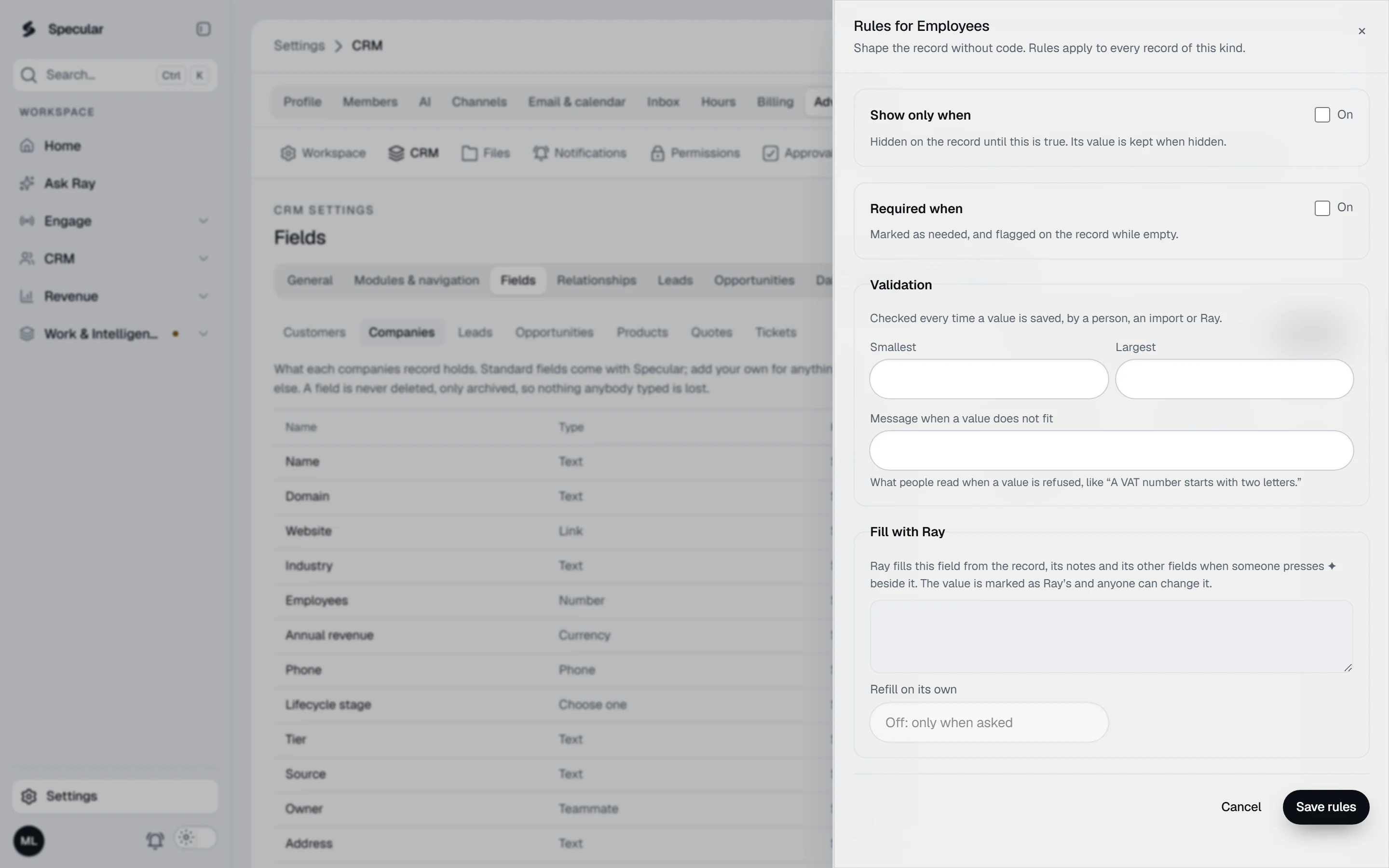
Ray fills a field from what the record already says: once, in bulk, or on a schedule.
Every record on the same clear page, arranged by your admins, stepped through with J and K.
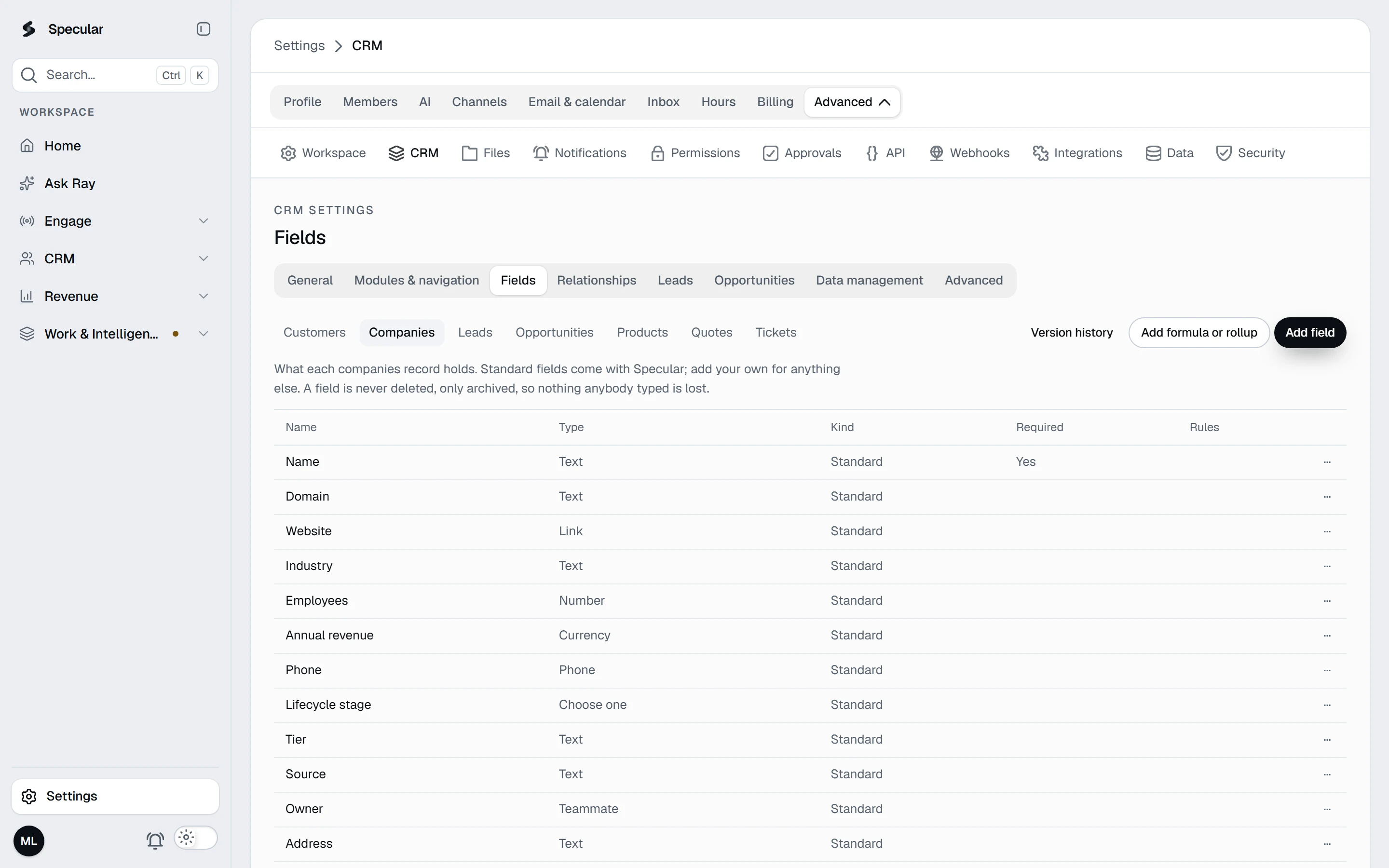
Any field you need, with rules that show, require and check values.
Start free on your own AI key, or talk to Ray first and see how it feels.
 Ray
 Onyx
 Echo
 Scout
 Kip
 Prism
 Summit
 Halo
 Parley
 Nimbus