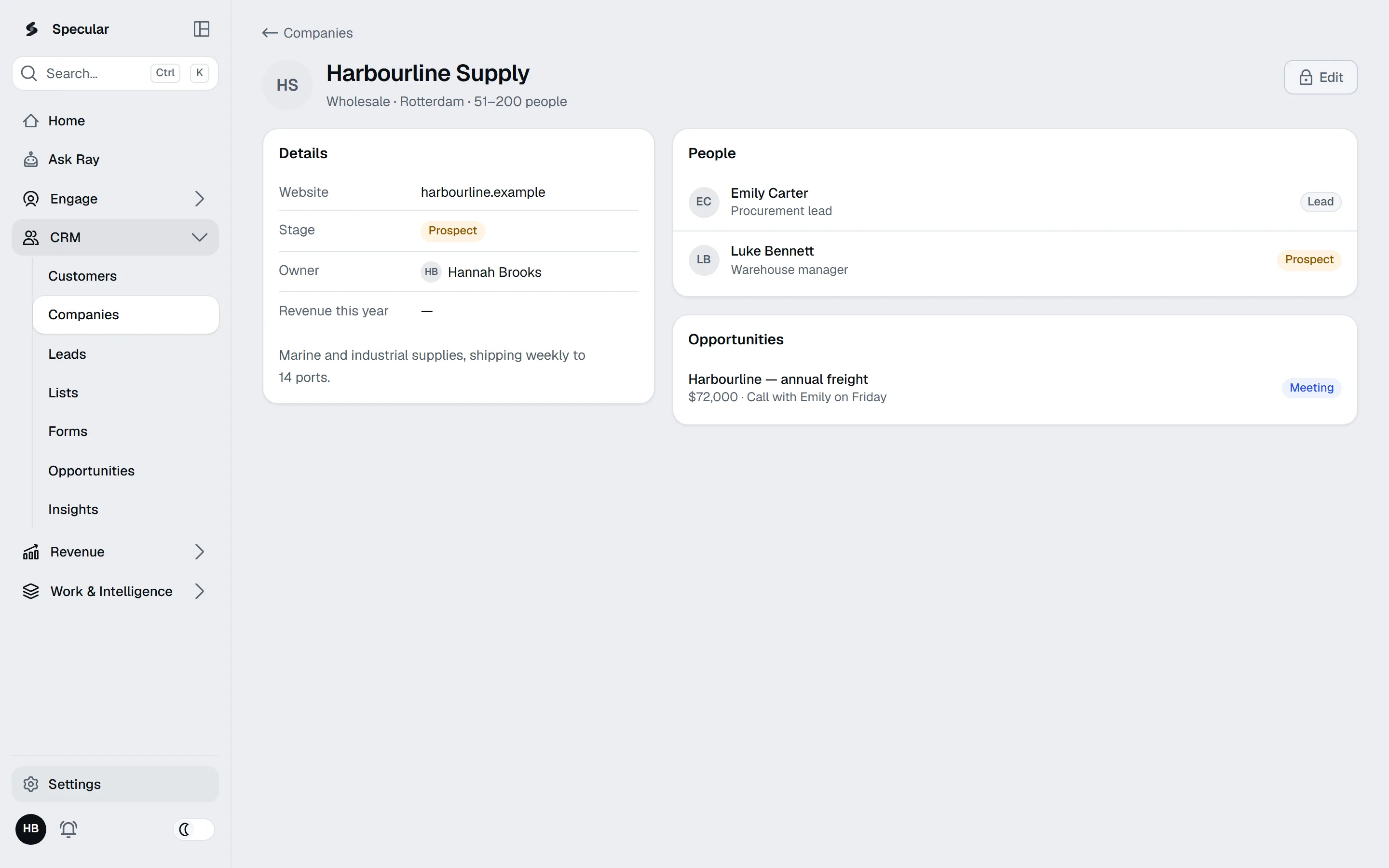
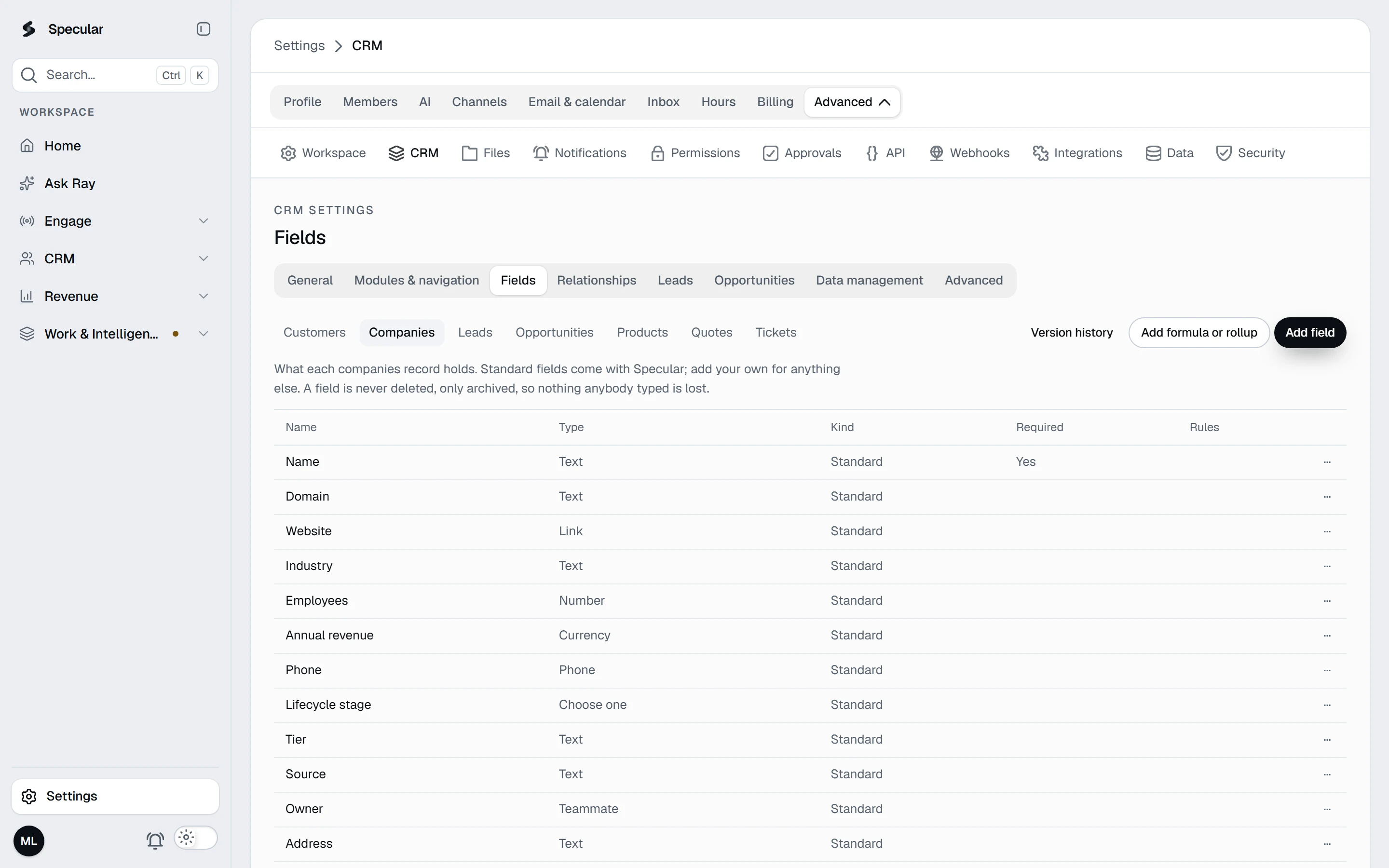
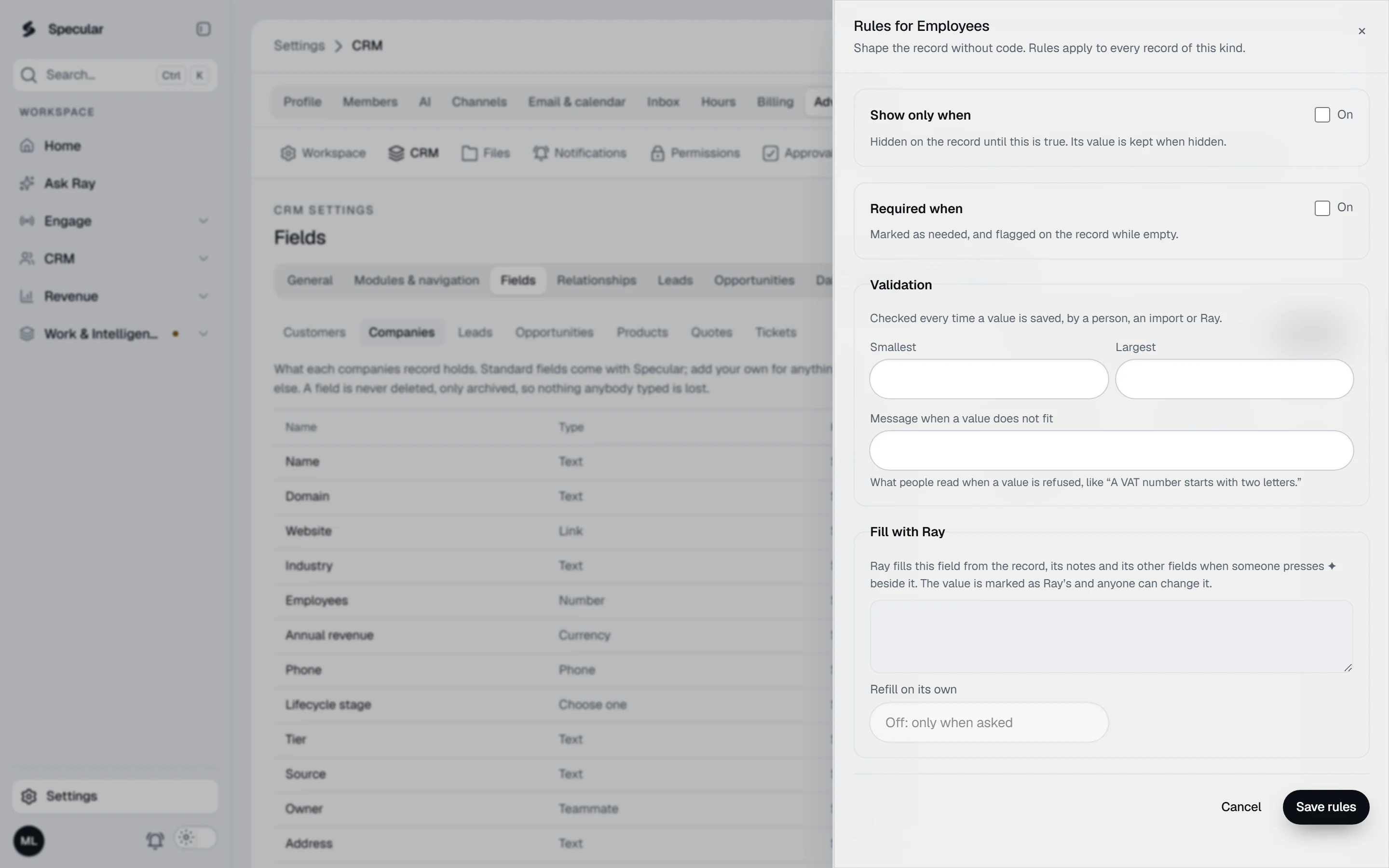
Pages that fit each role
Sales and support see what they need.
CRM
Edit layout opens on the record: sections, the order of fields and which panels show, for everyone or for the people you choose.
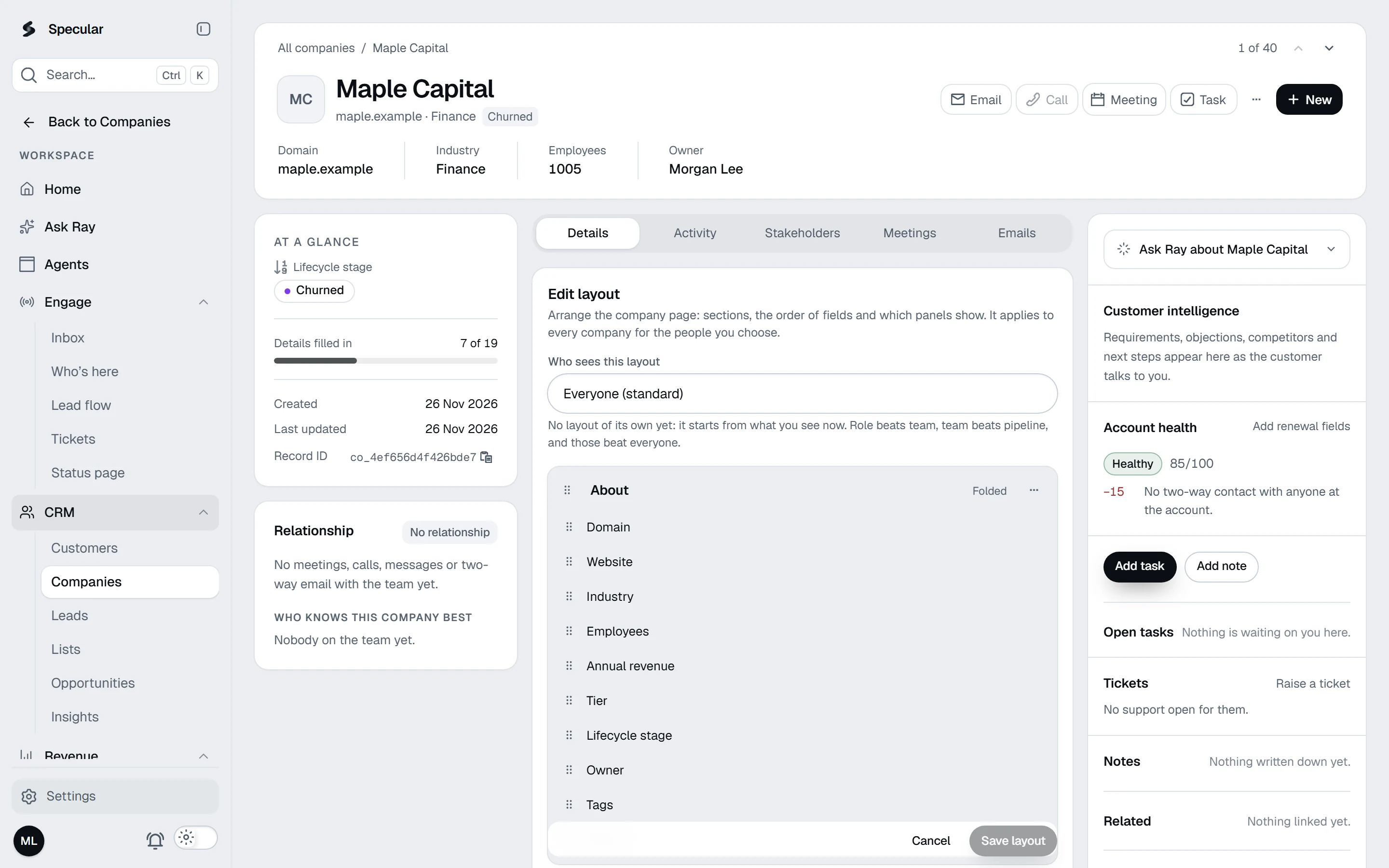
Layout
Sections and fields in the order your team reads them, with the panels each role needs beside them.
Which layout wins
A layout can be for everyone, a pipeline, a team or a role.
What changes
Sales and support see what they need.
Edit the layout on the record.
Anyone with the right role can arrange it.
How it works
Each step has a guide with the exact screens and buttons.
Why Specular
What comes with every workspace, whichever feature brought you here.
Pricing
Conversations your team answers are unlimited on every plan, including the free one. Every AI capability has a monthly allowance you can read before you pay.
Put an agent on one website and see what it does.
$0/ month
On your own AI key. No card needed.
Start freeIncludes
One site, one person, your own AI key, and no card.
Everything in Free, plus
A second website and room to grow into.
Everything in Starter, plus
Teams whose agent is answering every day.
The most AI included, with the API, webhooks and traces.
$160$200/ month
$1,920 billed yearly
Choose ProEverything in Growth, plus
Multi-site operations that run on this daily.
Enterprise
Procurement, compliance, and volume that needs a conversation.
Compare every plan, feature by feature
Going past an allowance never cuts a visitor off mid-conversation. On paid plans, extra usage draws on prepaid credit ($10, $25, $100 packs that never expire), never an open-ended bill. Free runs its AI on your own provider key. Nothing is charged per lead or per meeting.
Questions
Plans Record layouts are part of the CRM, on every plan. See pricing
Yes. A layout can be for a role, a team or a pipeline; the most specific one wins. Read the guide
Record layouts are part of the CRM, on every plan.
In three steps, each with a guide that shows the exact screens: 1. Open a record. 2. Edit layout. 3. Choose who sees it. Read the guide
Yes. It shares the same customers and records as Record pages, Fields and rules and Field rules, so nothing is copied between tools.
Works with
Every record on the same clear page, arranged by your admins, stepped through with J and K.
Any field you need, with rules that show, require and check values.
Show a field when it applies, require it when it matters.
Start free on your own AI key, or talk to Ray first and see how it feels.
 Ray
 Onyx
 Echo
 Scout
 Kip
 Prism
 Summit
 Halo
 Parley
 Nimbus