Handover that keeps the context
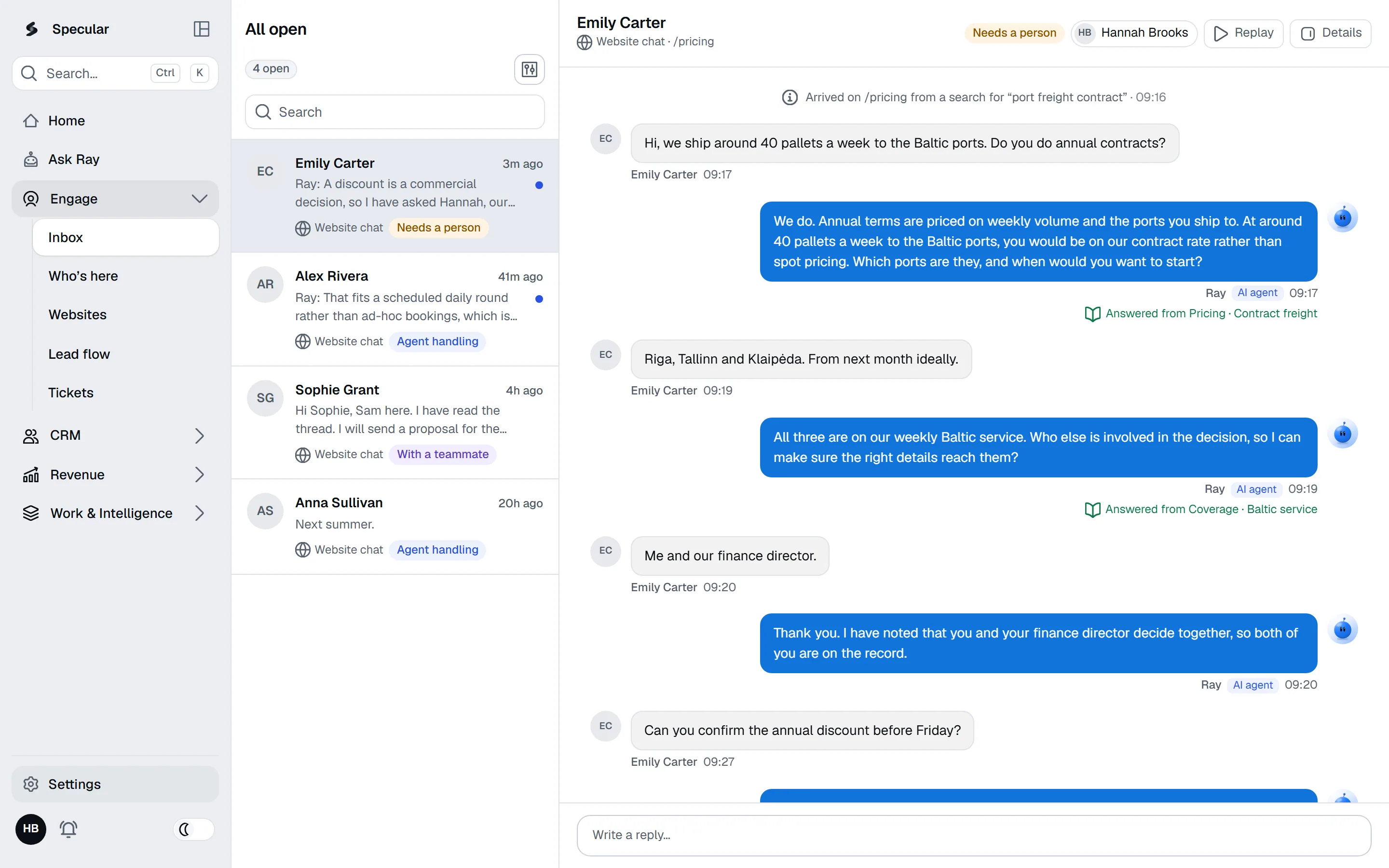
Customers hate repeating themselves. The person who joins should see the whole conversation and a short brief.
Customer service chatbot
A customer service agent with tickets, a help centre and a shared inbox behind it.
The short answer
A customer service chatbot answers customers' questions automatically in a chat window, using your help articles and policies, and passes the conversations it should not handle to a person. The good ones keep everything in one place: the answer, the handover, the ticket and the customer's history.
The handover
An illustration of one conversation: the agent answers what it can, then hands over with a brief instead of a transcript.
My order hasn't arrived and it was due yesterday.
Sorry about that. Orders ship within two working days and tracking is in your confirmation email. Would you like me to check with the team?
Delivery times · help centreYes please, I need it for Friday.
Jack joined the conversation · the agent stopped replying
I've checked with the courier: it's out for delivery tomorrow morning.
One workspace
No separate tools to buy and connect: each piece is part of the same workspace, on the same customer record.
How it works
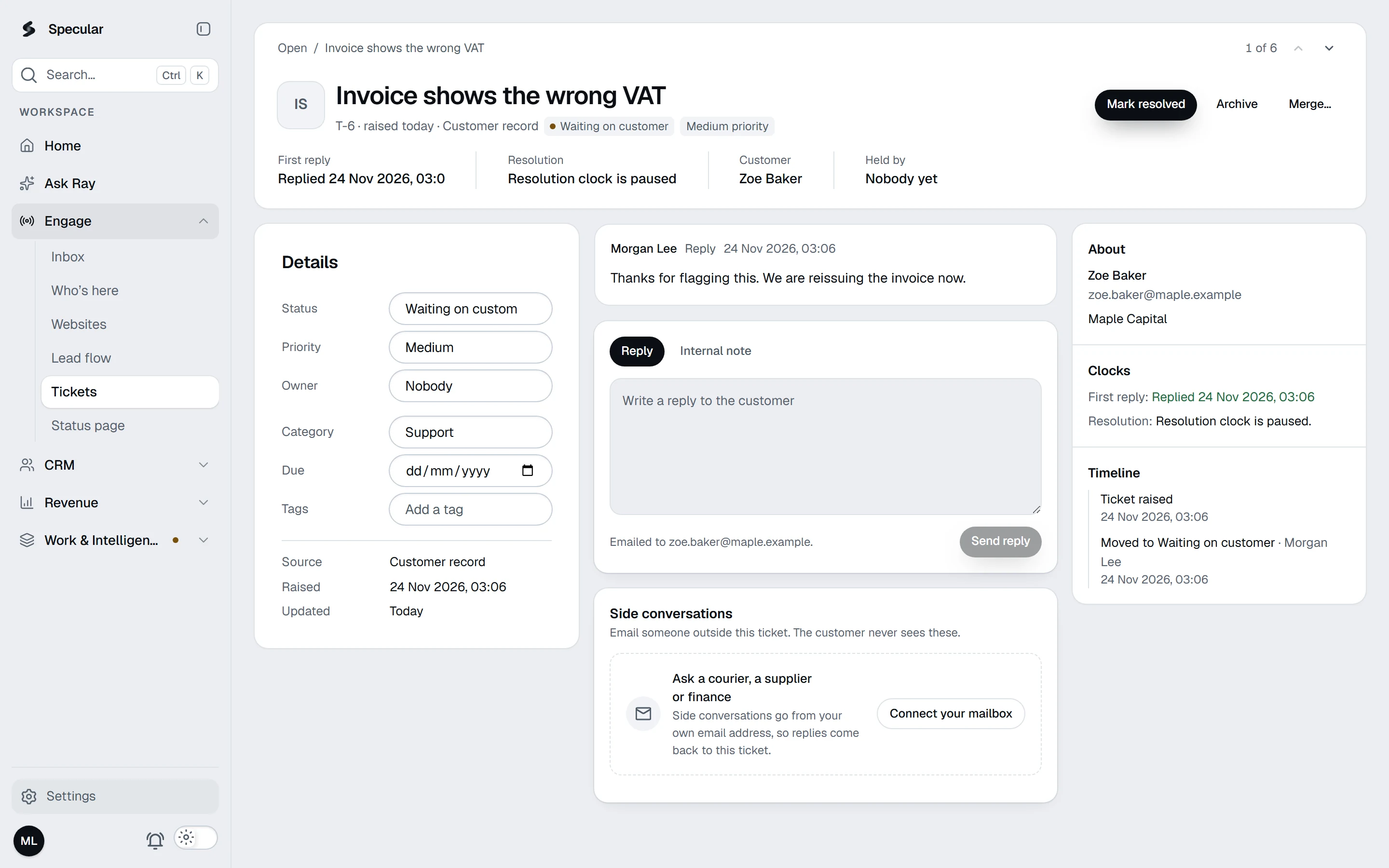
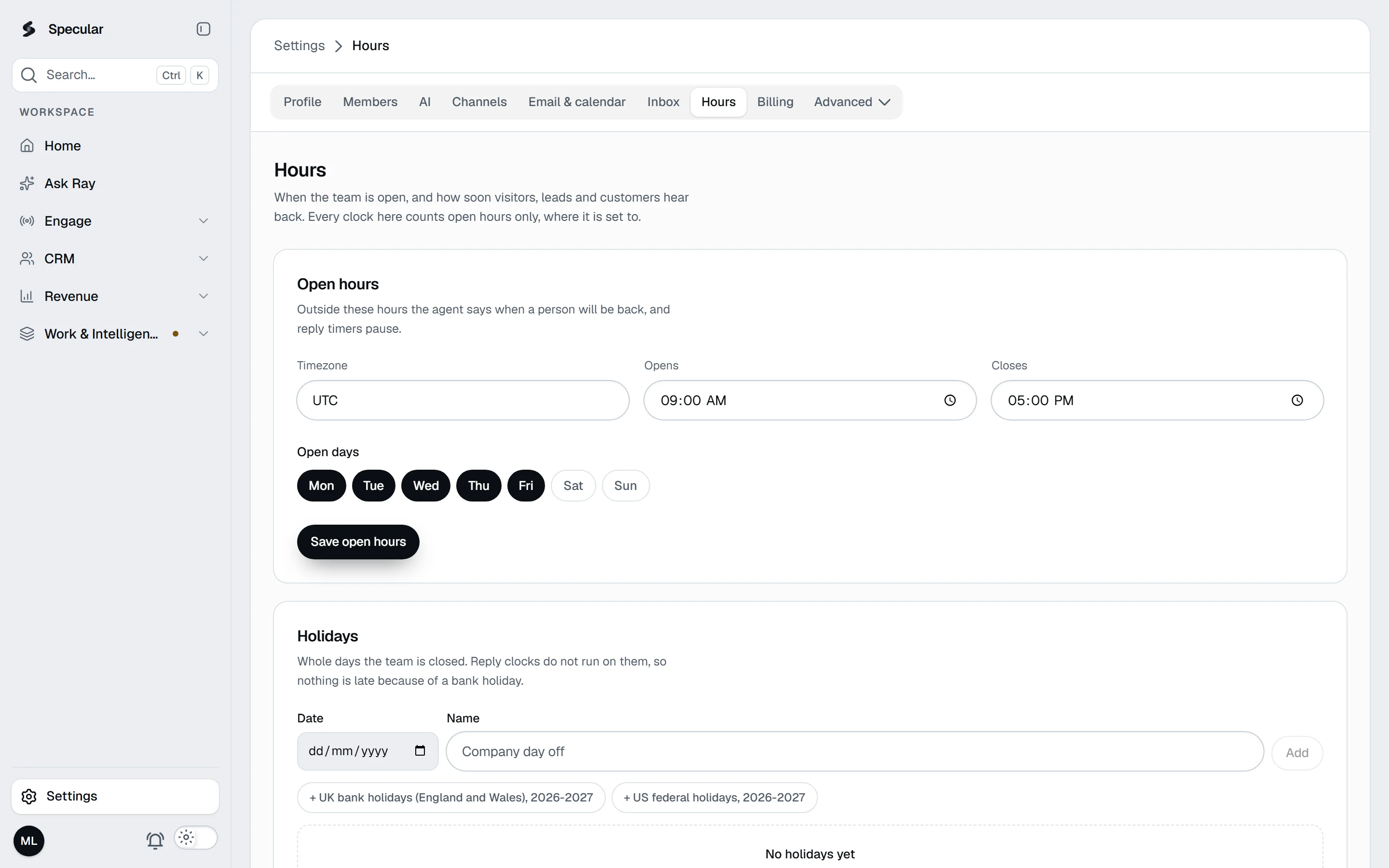
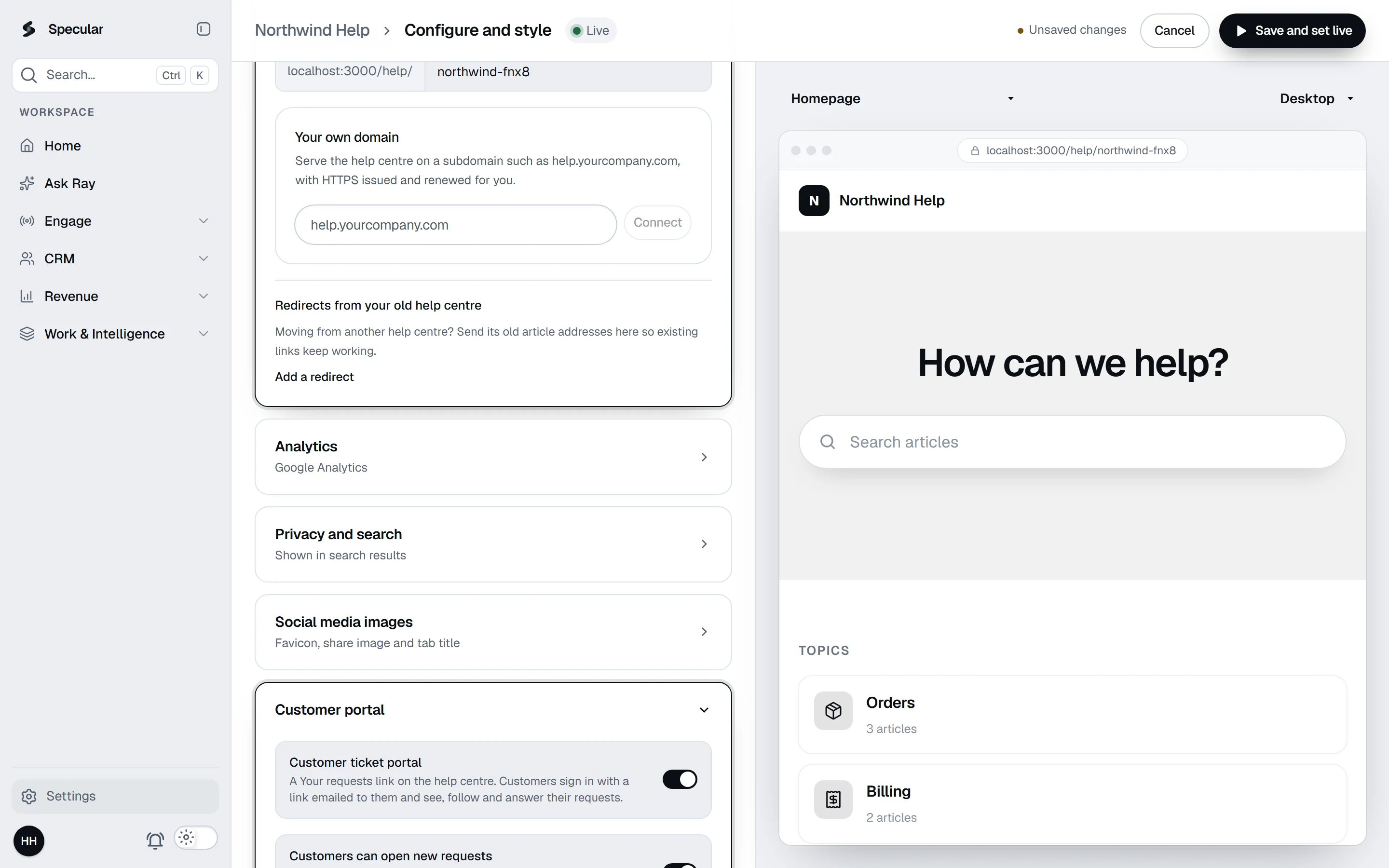
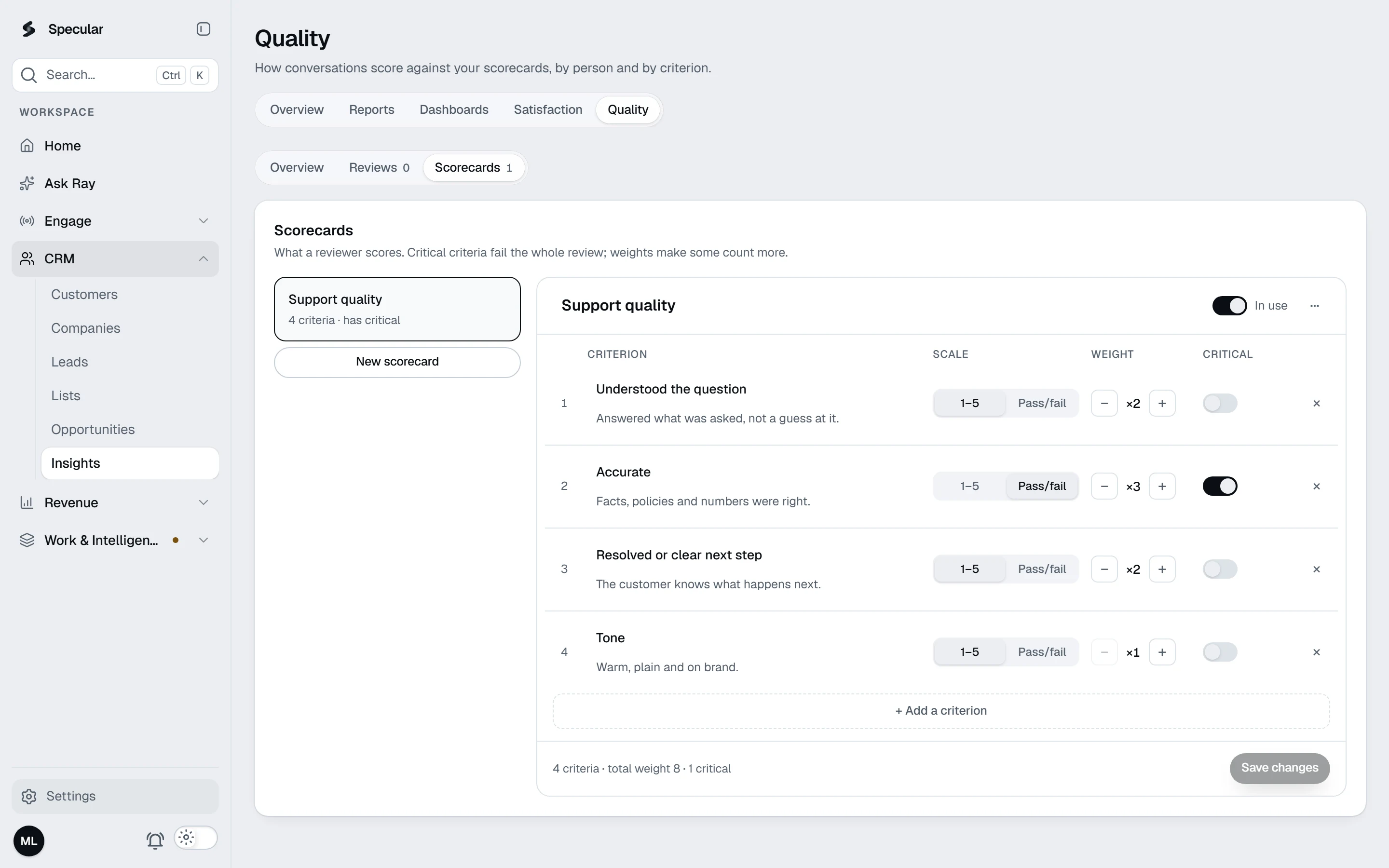
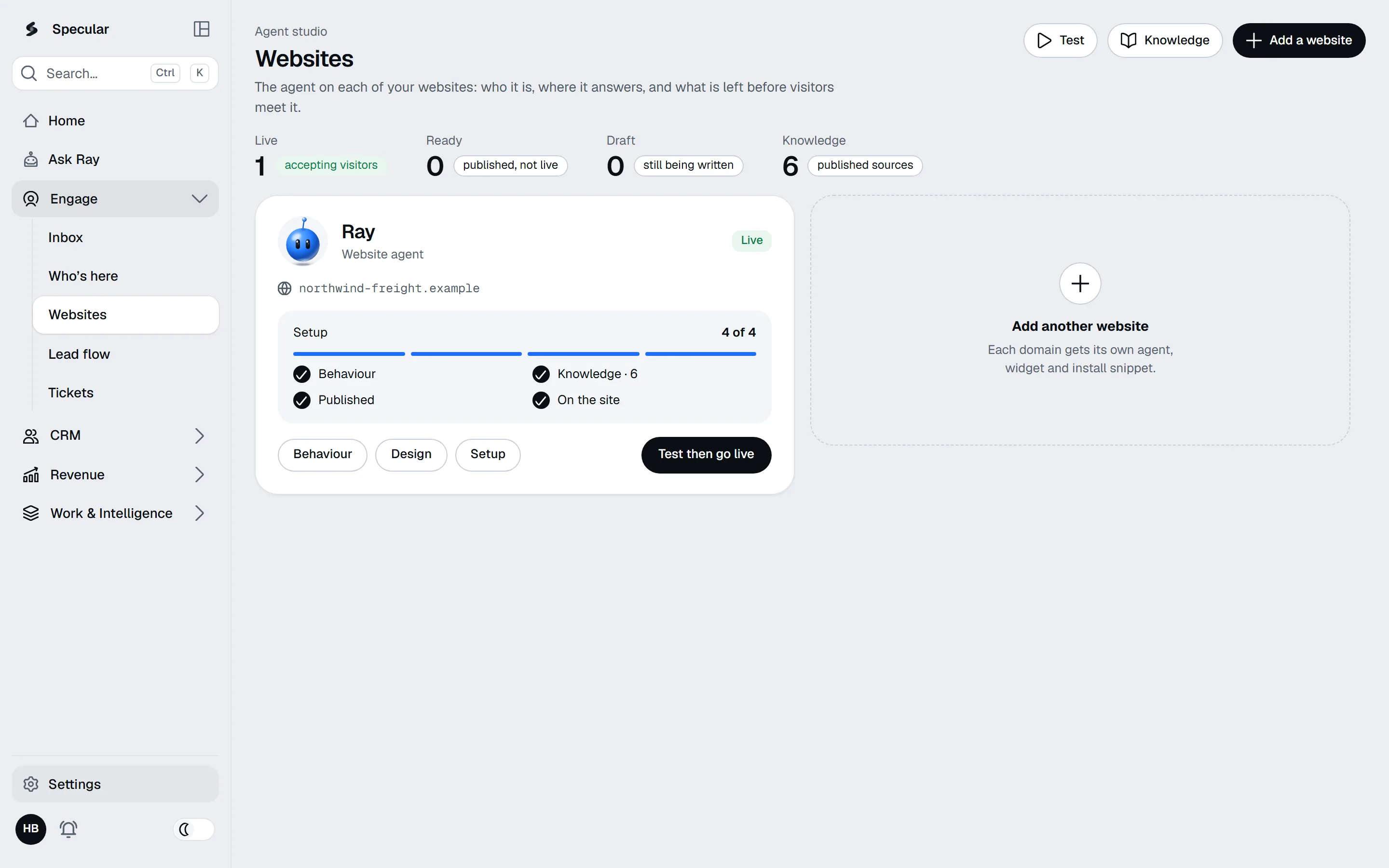
Each step, on the screen of the part of Specular that does it.
Compared
A rule-based chatbot, live chat alone, or Specular.
Choosing one
What to check before you choose, and how Specular does each.
Customers hate repeating themselves. The person who joins should see the whole conversation and a short brief.
Some questions cannot be answered in one chat. Look for tickets with owners, statuses and reply clocks.
Outside your hours the chatbot should say when a person is back, and reply targets should pause.
A help centre, a customer portal and a status page answer many questions before a chat starts.
Scorecards and reviews show where answers and handovers fall short, for the agent and the team.
Who it suits
One inbox for the agent's and the team's conversations.
Answer the same ten questions once, properly.
Hours, holidays and shifts that routing follows.
Why Specular
What comes with every workspace, whichever feature brought you here.
Pricing
Conversations your team answers are unlimited on every plan, including the free one. Every AI capability has a monthly allowance you can read before you pay.
Put an agent on one website and see what it does.
$0/ month
On your own AI key. No card needed.
Start freeIncludes
One site, one person, your own AI key, and no card.
Everything in Free, plus
A second website and room to grow into.
Everything in Starter, plus
Teams whose agent is answering every day.
The most AI included, with the API, webhooks and traces.
$160$200/ month
$1,920 billed yearly
Choose ProEverything in Growth, plus
Multi-site operations that run on this daily.
Enterprise
Procurement, compliance, and volume that needs a conversation.
Compare every plan, feature by feature
Going past an allowance never cuts a visitor off mid-conversation. On paid plans, extra usage draws on prepaid credit ($10, $25, $100 packs that never expire), never an open-ended bill. Free runs its AI on your own provider key. Nothing is charged per lead or per meeting.
Questions
It should not try to. It answers the routine questions and gathers the details, so your team spends its time on the conversations that need a person. Read the guide
The agent keeps answering, and when a person is needed it tells the customer when the team is back. Reply clocks count only your open hours. Read the guide
Yes. A conversation can become a ticket with an owner, a priority and reply targets, and customers can follow it in the customer portal. Read the guide
No. Conversations your team answers are never counted or charged; the plan's AI credit covers the agent's replies. Read the guide
You do not train a model. You give it your help articles, pages and documents, and write its instructions and limits in plain words. Read the guide
Read next
What is help desk software?
What is AI customer service?
What is live chat software?
Start free on your own AI key, or talk to Ray first and see how it feels.
 Ray
 Onyx
 Echo
 Scout
 Kip
 Prism
 Summit
 Halo
 Parley
 Nimbus