Answers from your content, with sources
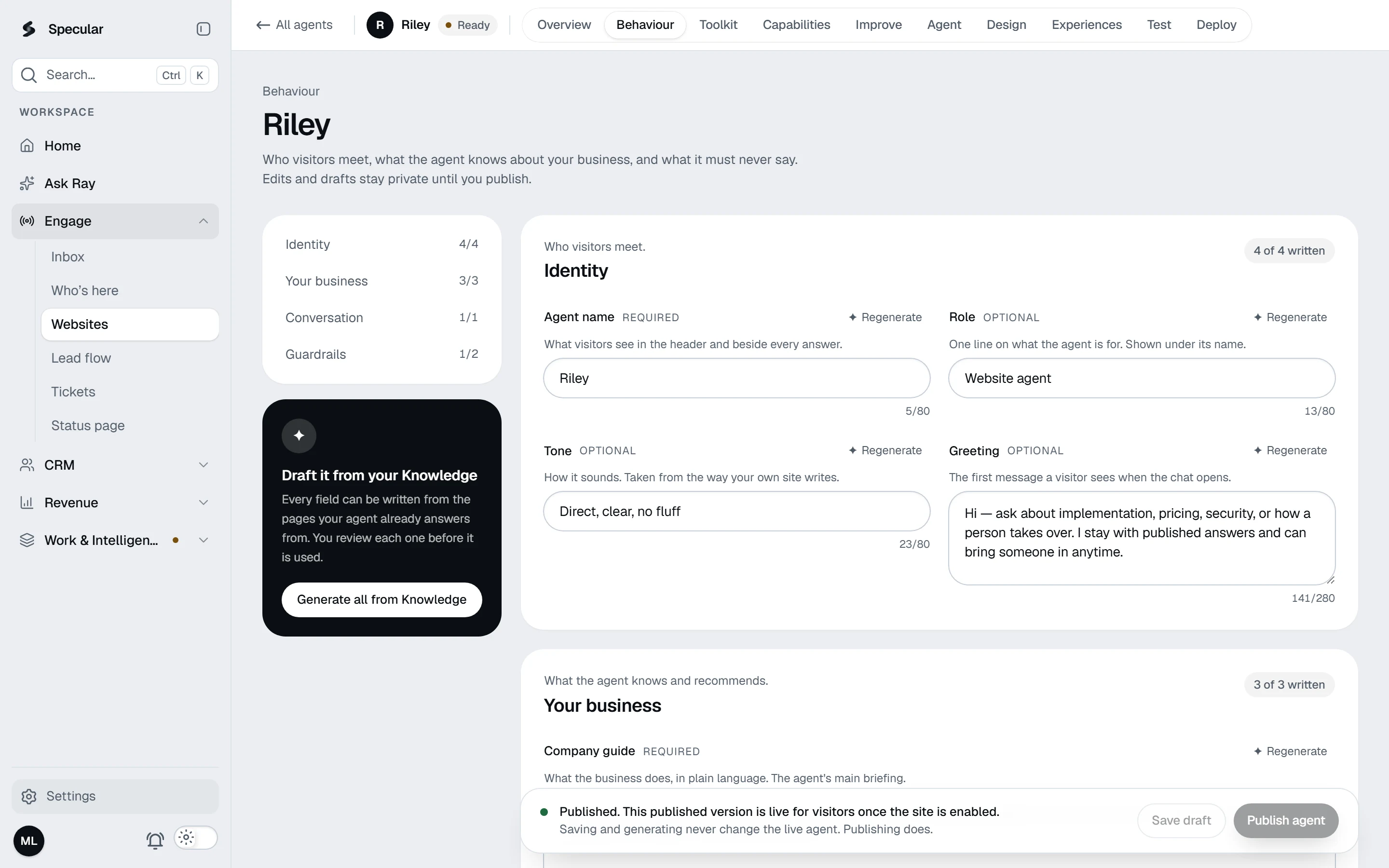
A chatbot that answers from general knowledge will make things up about your business. Look for one that answers from your own pages and documents and can show where each answer came from.
AI chatbot for websites
It answers like your best person, books the meeting and brings in your team.
The short answer
An AI chatbot for a website is a chat window on your site that answers visitors' questions in plain language, using what your business has written: your pages, documents and help articles. A good one also asks your qualifying questions, books meetings and brings in a person when the conversation needs one.
One conversation
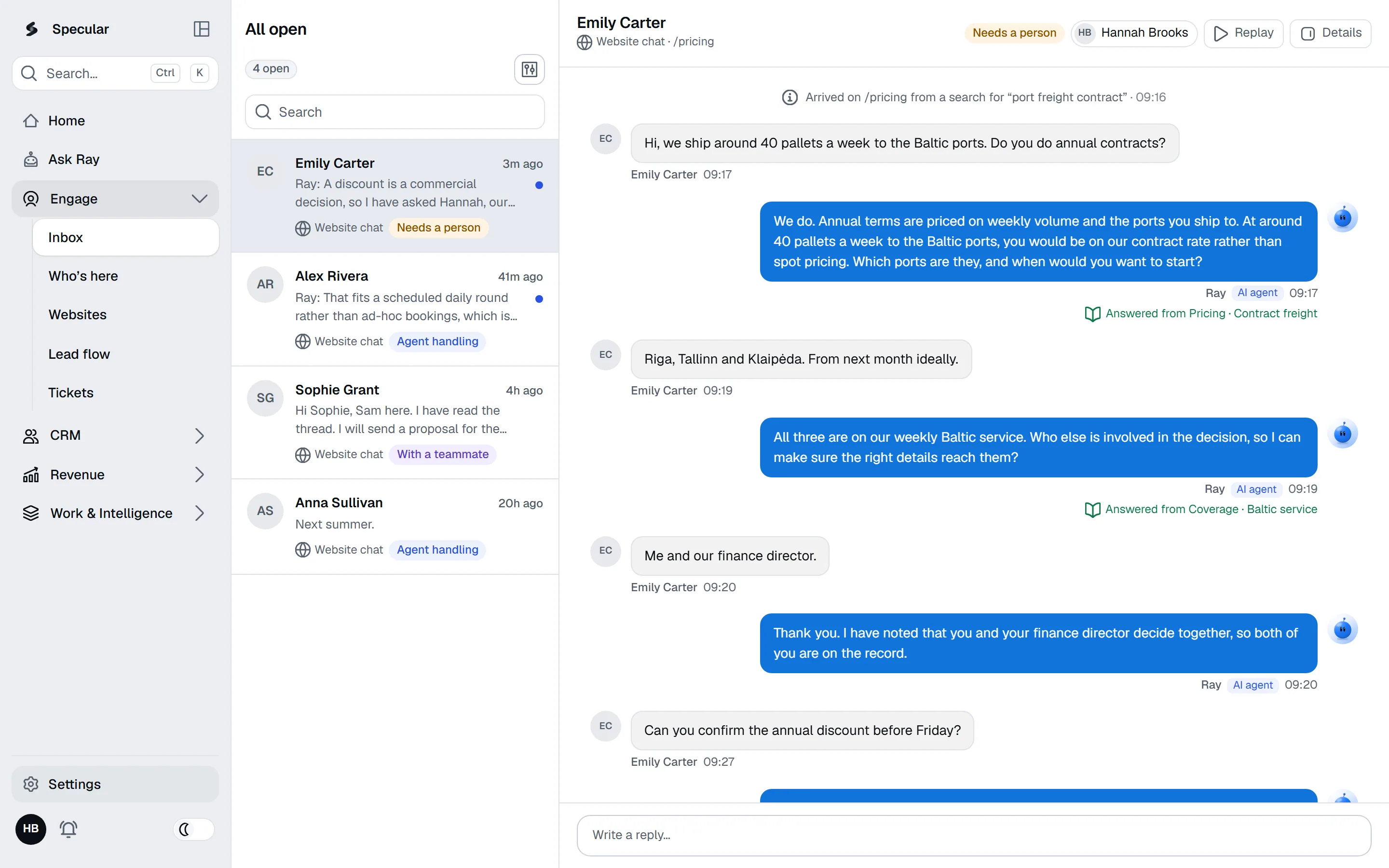
What happens in one conversation, and who does each part.
How it works
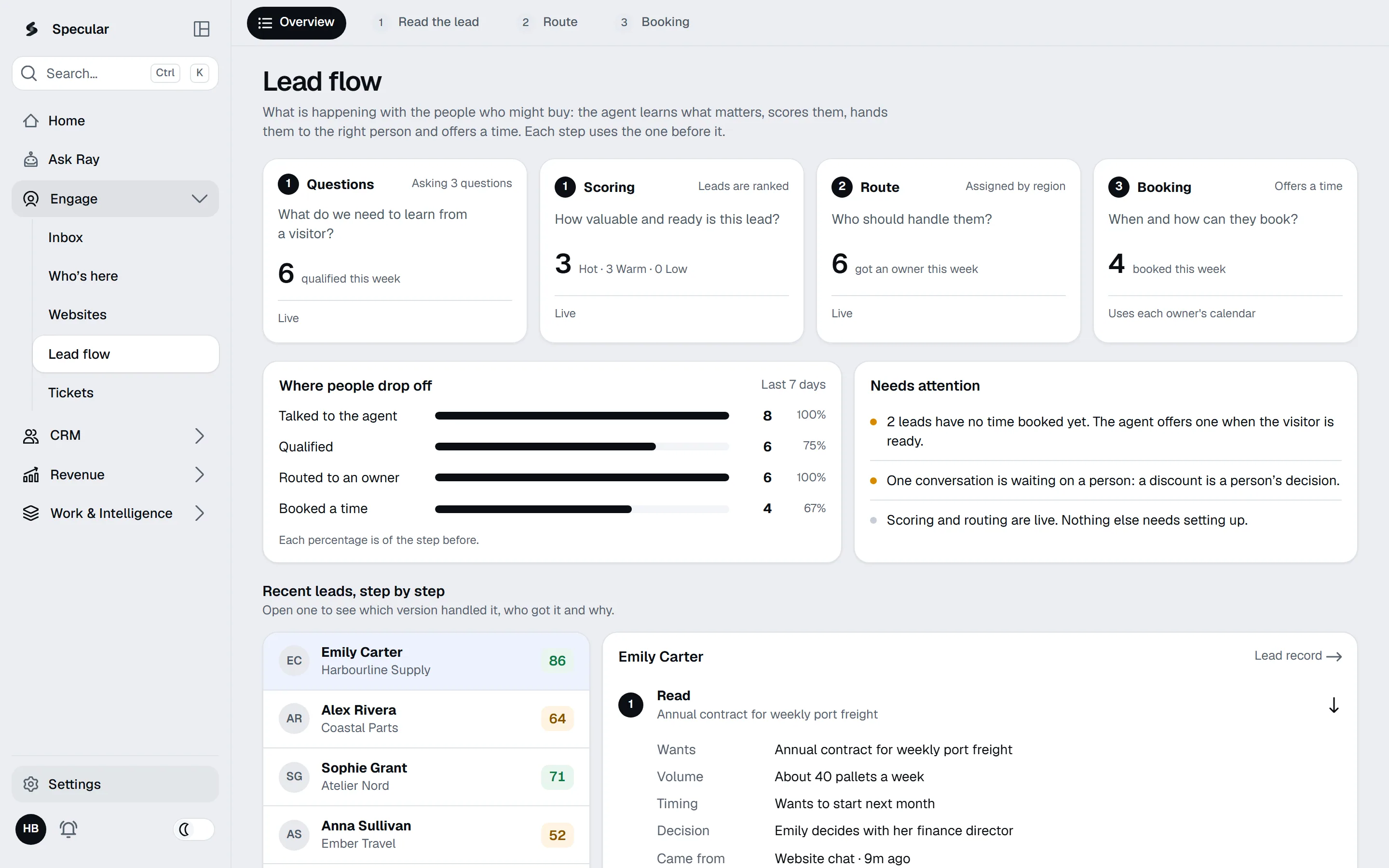
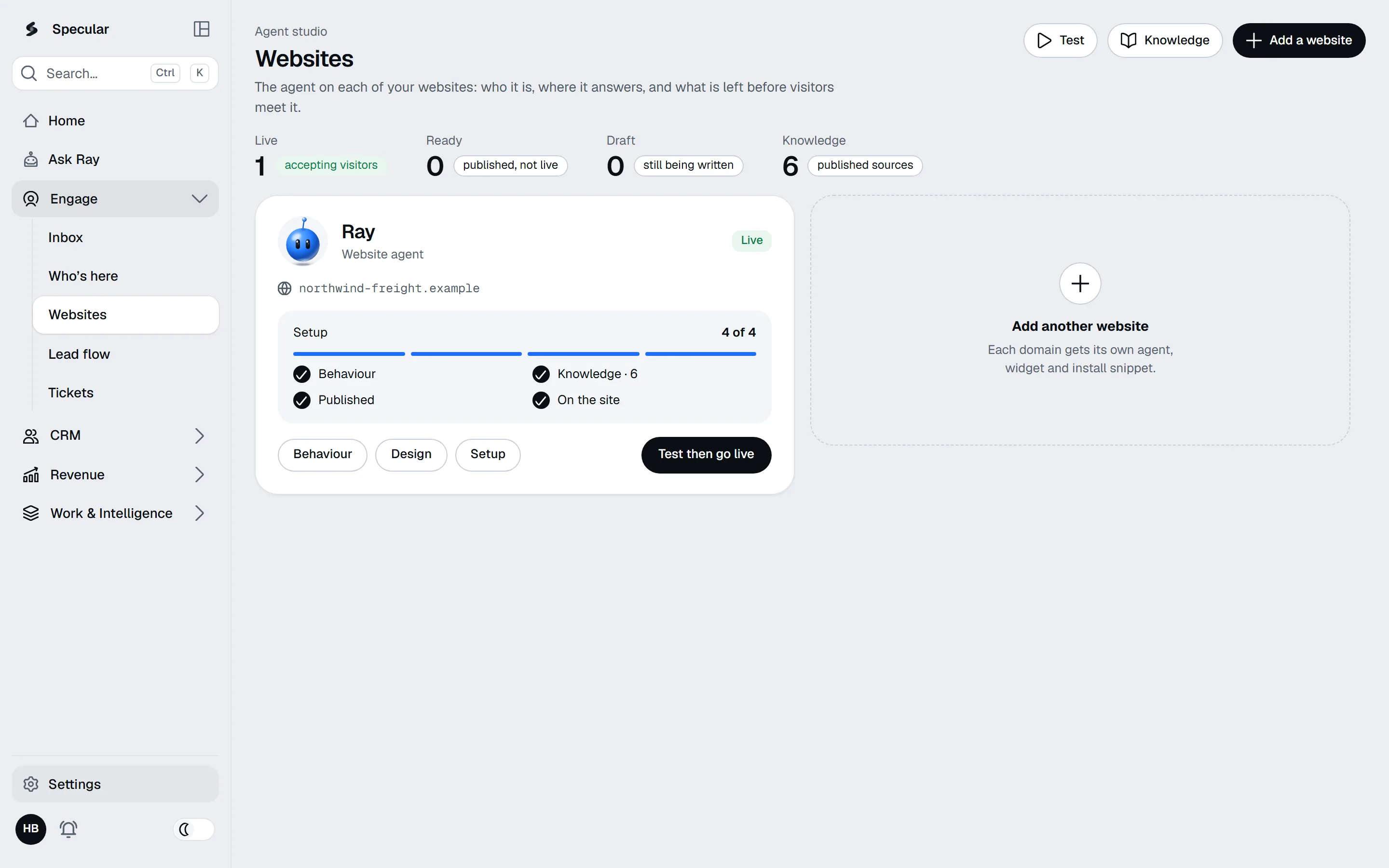
Each step, on the screen of the part of Specular that does it.
Around the clock
The agent answers at any hour; outside your hours it says when a person is back, and reply clocks wait for you.
Choosing one
What to check before you choose, and how Specular does each.
A chatbot that answers from general knowledge will make things up about your business. Look for one that answers from your own pages and documents and can show where each answer came from.
You should be able to say what it must never say: prices it must not quote, promises it must not make, topics it leaves to a person.
The test of a chatbot is the moment it should stop. The person who joins should see who the visitor is and what was already said.
Conversations should land in an inbox your team works, and visitors should become customer records, not rows in a spreadsheet.
A chat window that looks bolted on undoes the work of the rest of your site. Look for full control of colours, type and layout.
Compared
A rule-based chatbot, live chat alone, or Specular.
Why Specular
What comes with every workspace, whichever feature brought you here.
Pricing
Conversations your team answers are unlimited on every plan, including the free one. Every AI capability has a monthly allowance you can read before you pay.
Put an agent on one website and see what it does.
$0/ month
On your own AI key. No card needed.
Start freeIncludes
One site, one person, your own AI key, and no card.
Everything in Free, plus
A second website and room to grow into.
Everything in Starter, plus
Teams whose agent is answering every day.
The most AI included, with the API, webhooks and traces.
$160$200/ month
$1,920 billed yearly
Choose ProEverything in Growth, plus
Multi-site operations that run on this daily.
Enterprise
Procurement, compliance, and volume that needs a conversation.
Compare every plan, feature by feature
Going past an allowance never cuts a visitor off mid-conversation. On paid plans, extra usage draws on prepaid credit ($10, $25, $100 packs that never expire), never an open-ended bill. Free runs its AI on your own provider key. Nothing is charged per lead or per meeting.
Questions
Add your website in Specular, design the widget, and paste one script tag into your site. It works on any website that lets you add a script. Read the guide
It answers from the sources you give it and links each answer to where it came from. When it has nothing to go on, it says so or hands over, and you can write what it must never say. Read the guide
Yes. Specular's Free plan includes the AI agent on one website, answering with your own AI provider key. Paid plans include AI credit so you do not need a key. Read the guide
Yes. A teammate joins the same conversation, which stops the agent replying, and sees a brief of what the visitor asked and what was tried. Read the guide
It works anywhere you can add a script tag to the page, which includes most site builders and hand-built sites. Read the guide
A chat window in your brand's colours and type, with a greeting, quick replies and, if you turn it on, a way to talk to the agent by voice in the browser. Read the guide
Read next
What is a customer service chatbot?
What is a sales chatbot?
What is the difference between an AI agent and a chatbot?
Start free on your own AI key, or talk to Ray first and see how it feels.
 Ray
 Onyx
 Echo
 Scout
 Kip
 Prism
 Summit
 Halo
 Parley
 Nimbus