Law firms

Client intake that never gives advice.

Every intake call costs a lawyer's time, including the matters you'd never take. The agent does the first conversation.
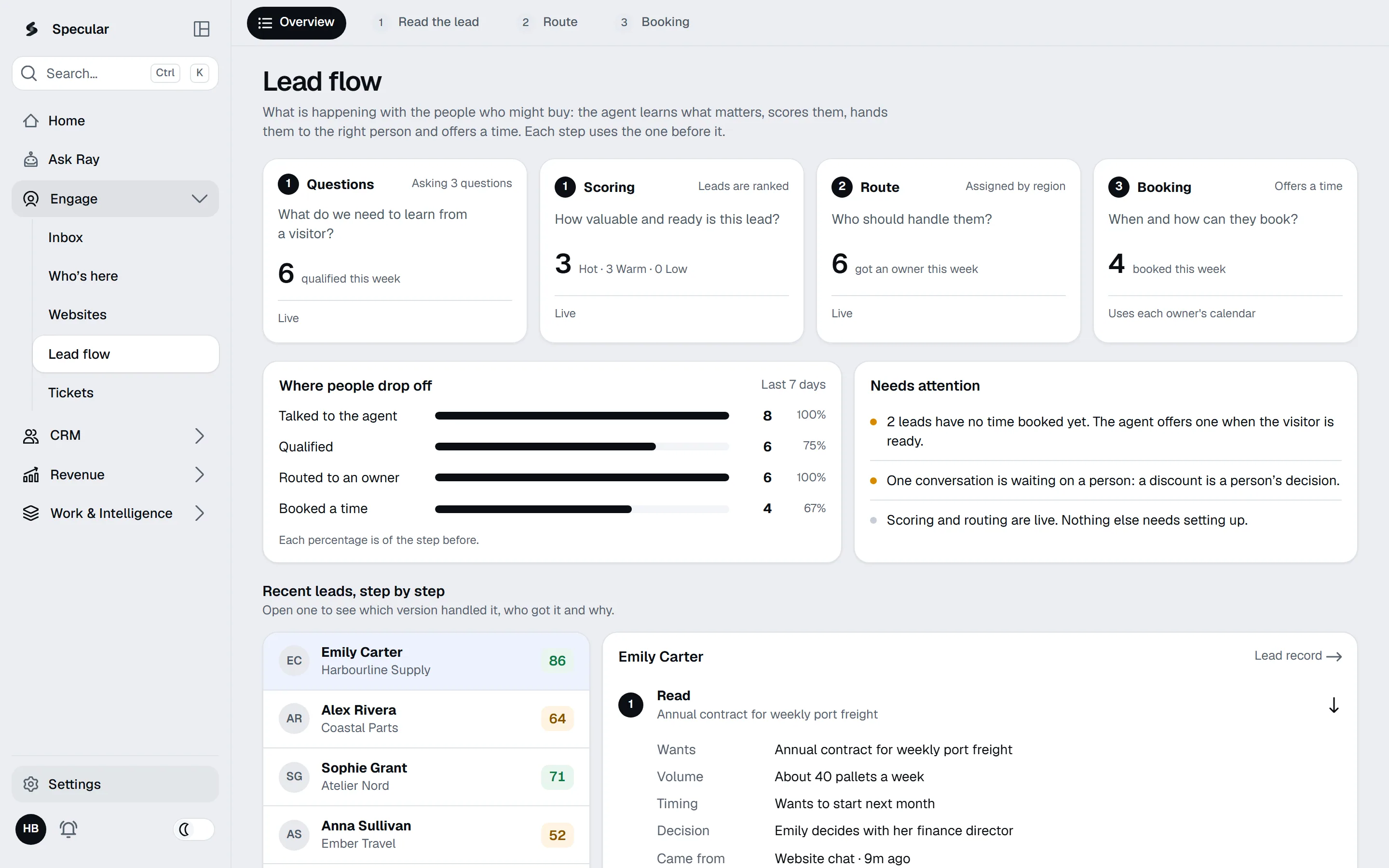
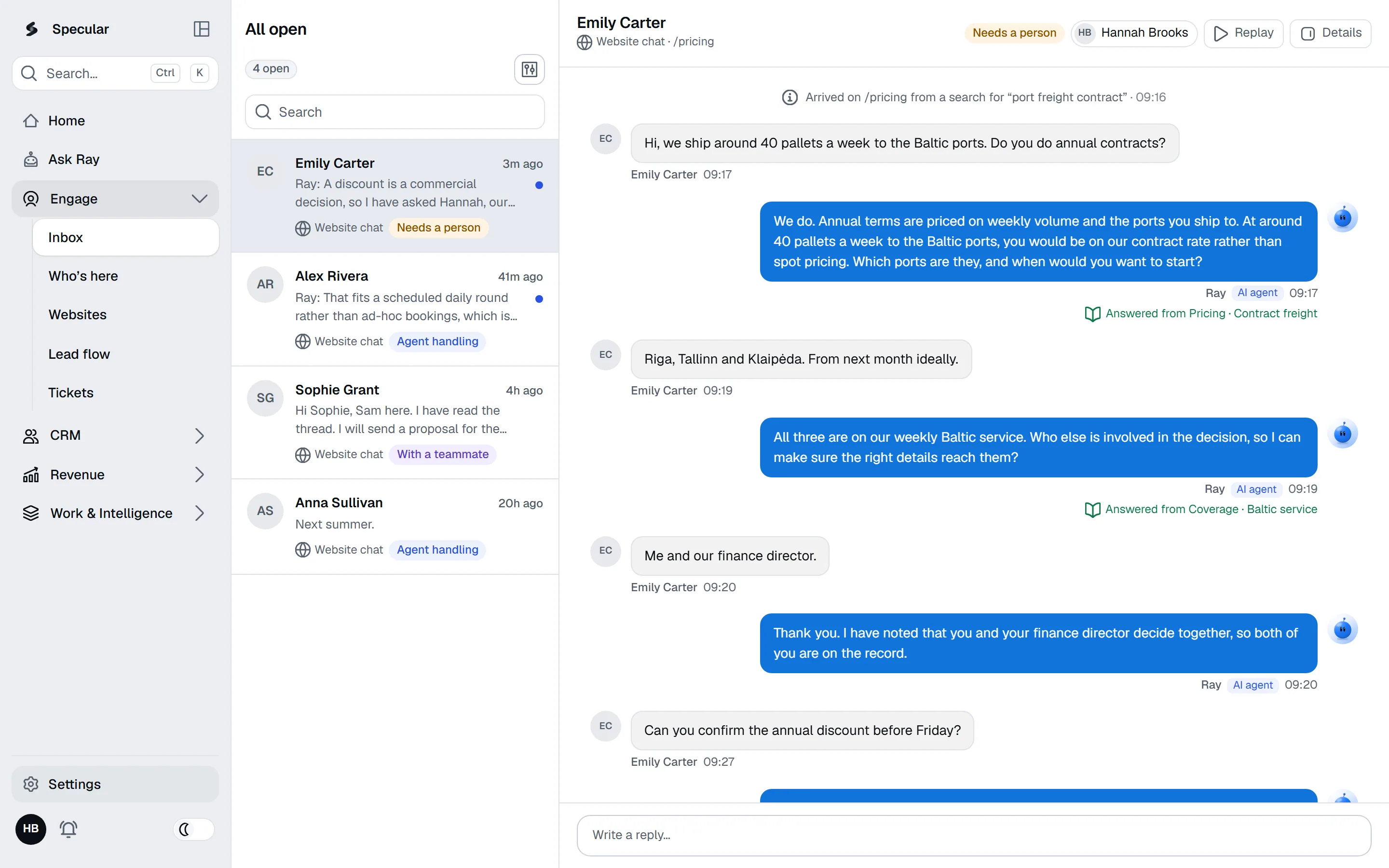
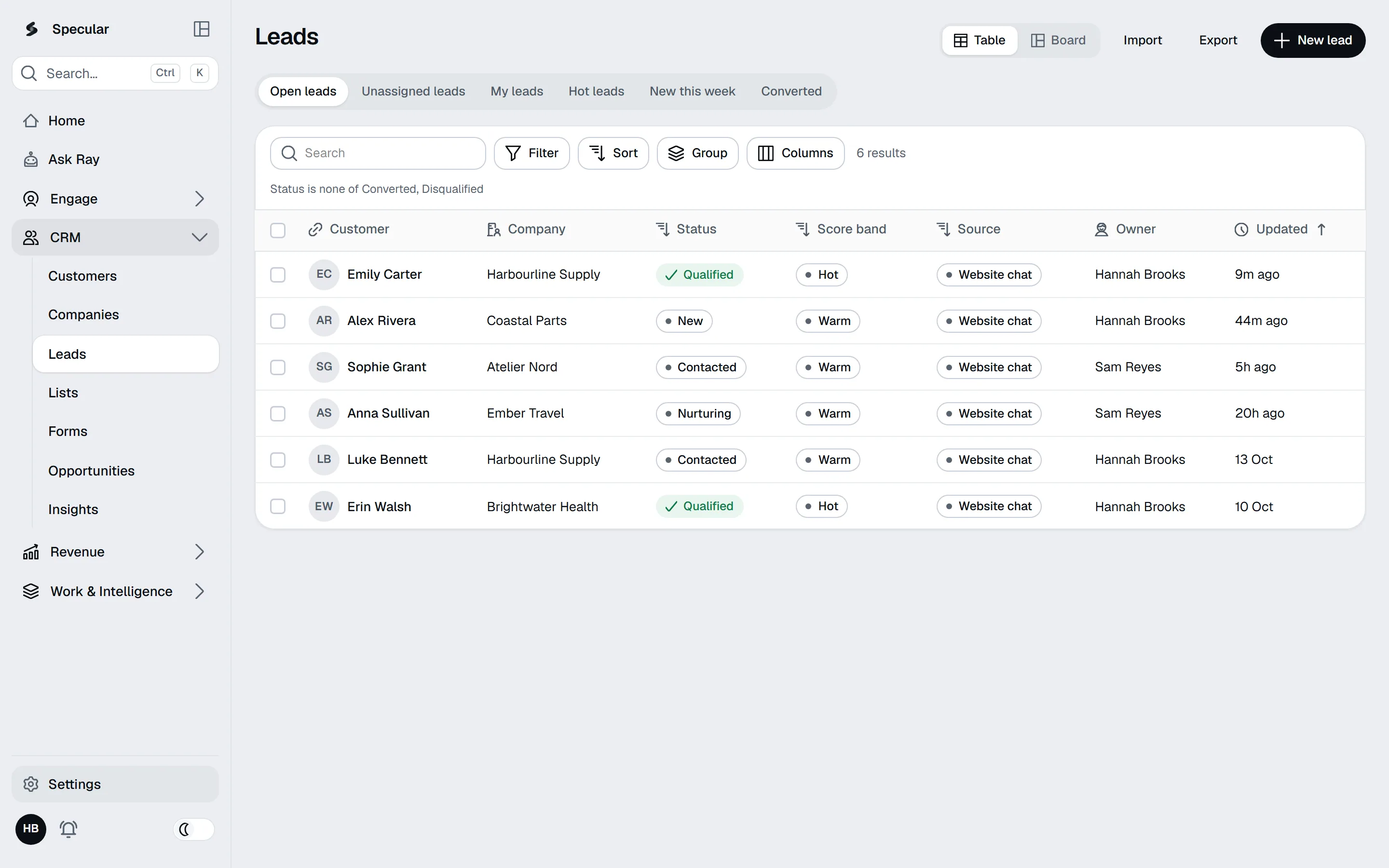
Lead flow: qualify, score, route and book.
States your limits Behaviour and guardrails
Takes the matter Lead flow
Routes by practice Skills and language routing

The short answer

How do law firms use an AI chatbot?

For intake. It explains your practice areas, fees and process, takes the matter details, and books a consultation with the right lawyer, and it is set never to give legal advice.

Try it now

Ask it what a new client asks.

The real widget, set up for a professional services firm. Answers are scripted for the demo.

RayReady

Confident, warm and sharp. The all-round agent most businesses start with.

Voice North American, warm and relaxed, designed for Ray·Smooth, expressive

Make it yours

What it does

Professional services

Ray for professional services

Answers questions about the firm's services, qualifies enquiries, and books consultations.

All-round concierge. Meets every visitor, answers, and points to the right next step.

Start with this agent
Finds out
Find out what they need help with, the size of their organisation, who decides, and when they need it done. Offer a consultation to enquiries that fit.
Never claims
Never give legal, tax or financial advice. Never quote a fee for work that has not been scoped. Never promise an outcome.
Knows the steps for
Take a new enquiry

The real widget with answers written for this page, from this setup’s own guidance. On your site, every agent answers from your own pages and documents, and can do the same things; only the personality changes.

Intake by practice area

Every enquiry reaches the lawyers who handle it.

An illustration of intake: the agent takes the details, then routing sends each matter to its team.

New enquiryOn the firm's website.
Family lawTeam: family
PropertyTeam: property
BusinessTeam: commercial
Consultation with SarahBooked Tuesday
MichaelFixed-fee conveyancing
Brief for JessicaConflict check first

Its limits, in layers

What the agent does, and what it leaves to your lawyers.

You write each layer; the agent keeps to all of them.

  1. 01Explains how you workPractice areas, fees and process, from your pages.
  2. 02Takes the matter detailsYour intake questions, stored on the enquiry.
  3. 03Never advisesNo view on the merits or the outcome of a matter.
  4. 04Hands overAnything needing judgement goes to a person with a brief.

How it works

How it works

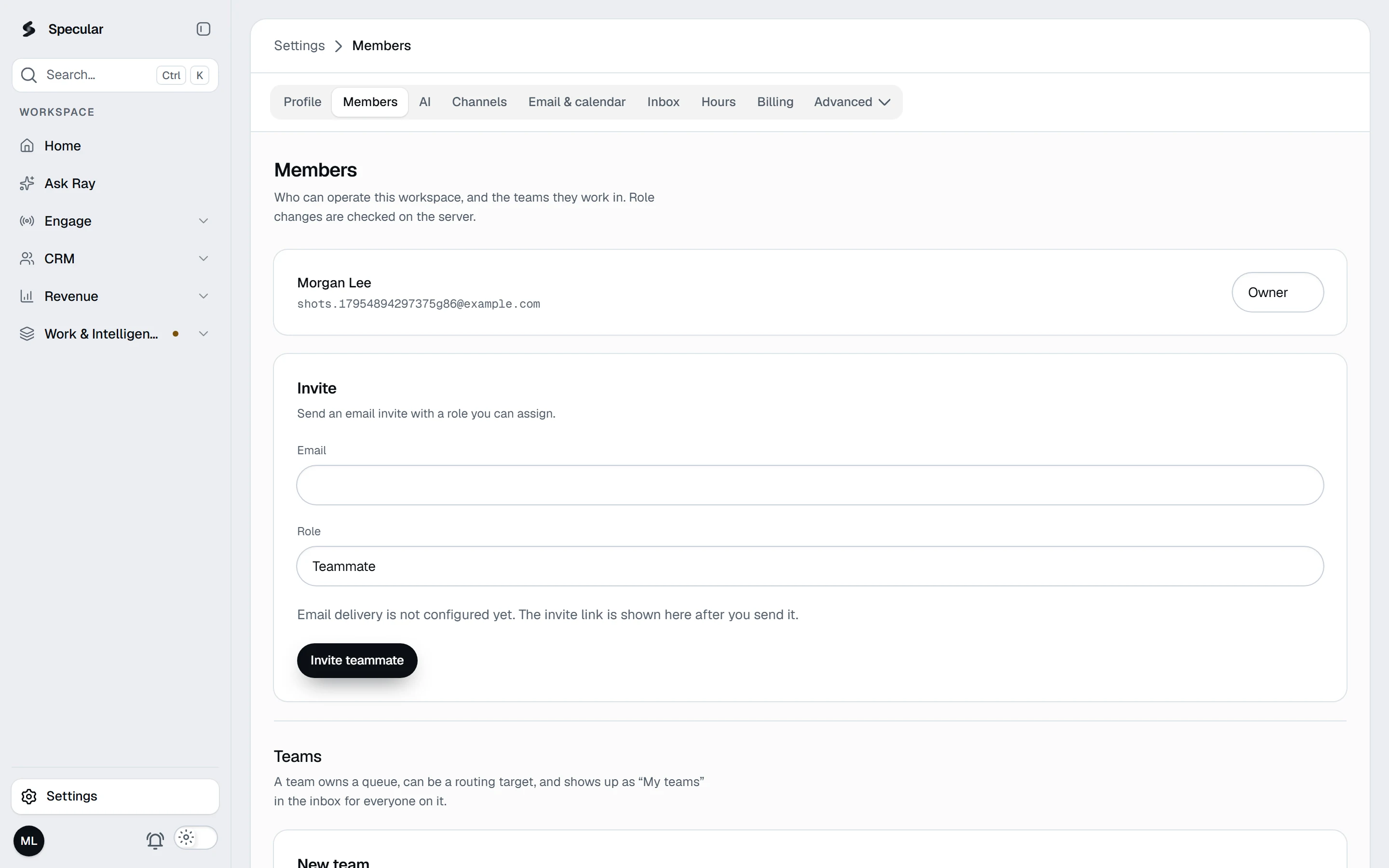
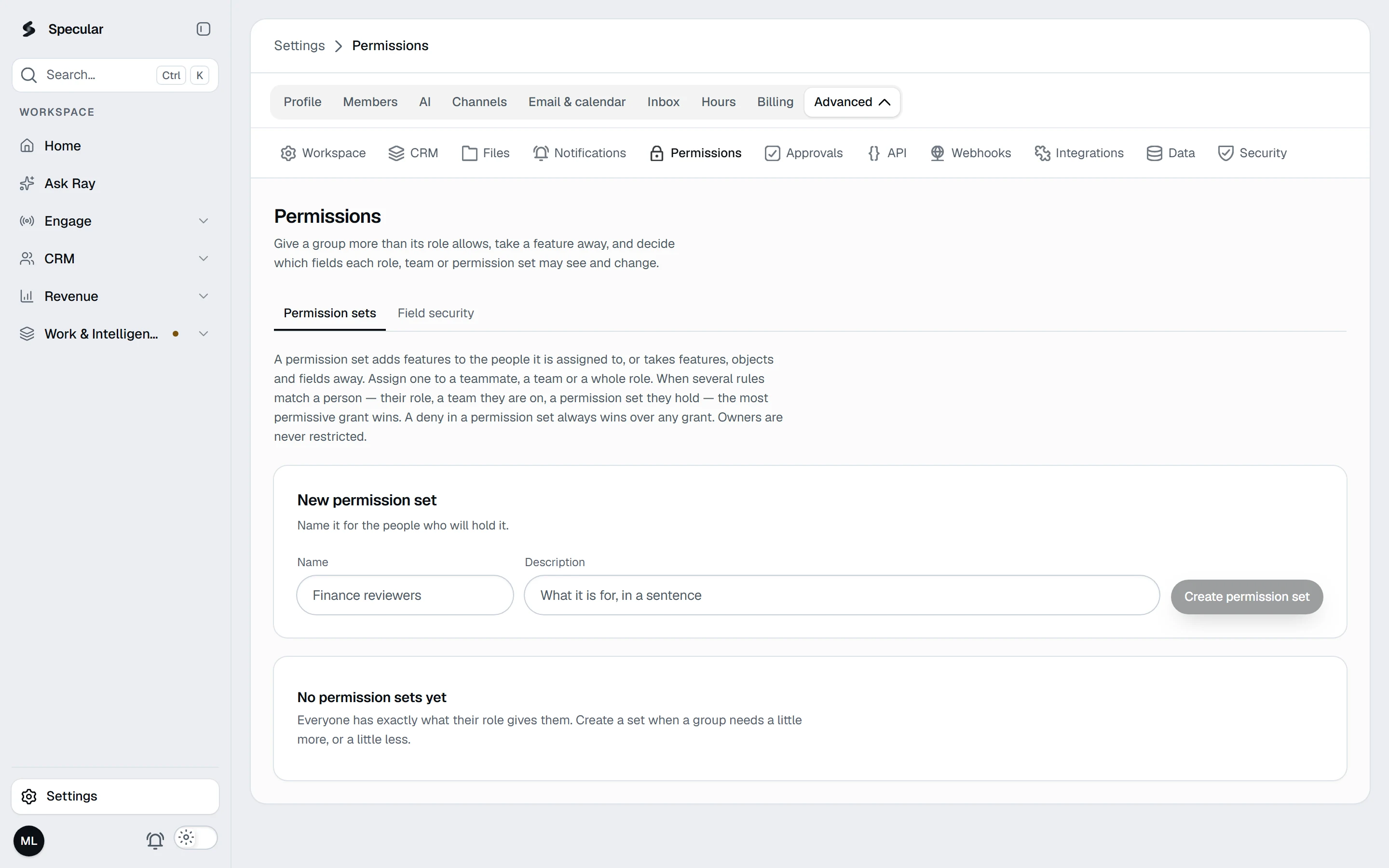
Each step, on the screen of the part of Specular that does it.
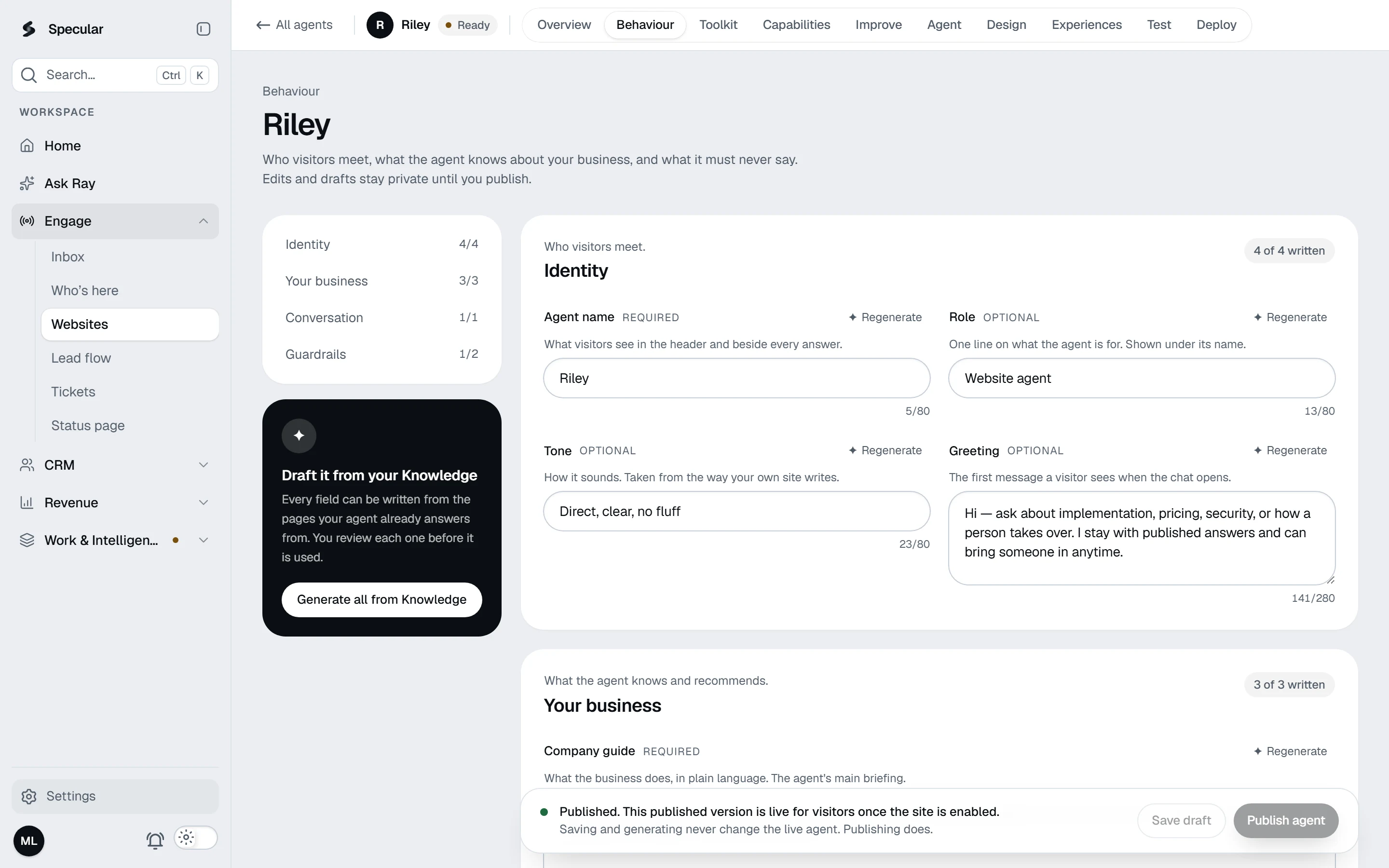
The behaviour page with instructions and prohibited claims.

Compared

Three ways to handle it

Contact form, phone and inbox, or Specular.

What mattersContact formPhone and inboxSpecular
Responds at nightNoNo, voicemailYes
Takes the matter detailsPartlyYes, using fee-earner timeYes
Routes to the practice areaNoBy handYes, by rules
Books the consultationNoYes, in hoursYes, at any hour
Never advisesNot applicableDepends who answersYes, by your limits

Choosing one

What good looks like

What to check before you choose, and how Specular does each.

No advice, ever

Explains how you work, never the merits. Limits you can test.

Who it suits

Who it's for

Family and injury

Careful, fast intake for people under stress.

Property and conveyancing

Fixed fees explained, first appointment booked.

Commercial and employment

Matter qualified, routed to the right partner.

Why Specular

Why teams choose Specular

What comes with every workspace, whichever feature brought you here.

  • An AI agent includedIt answers on your website on every plan, from your own content.
  • Your team's conversations are freeConversations people answer are never counted or charged.
  • A CRM includedCustomers, deals and tickets in the same workspace, not another tool.
  • Live in an afternoonOne script tag, and step-by-step guides for every screen.

Pricing

Plans and pricing

Conversations your team answers are unlimited on every plan, including the free one. Every AI capability has a monthly allowance you can read before you pay.

Billing period
Free forever

Free

Put an agent on one website and see what it does.

$0/ month

On your own AI key. No card needed.

Start free
Websites
1
External AI credits
Your own AI key
File storage
100 MB
Team users
1
Customer profiles
1,000
AI agents
1

Includes

  • AI answers
  • Website crawling
  • Website chat
  • Shared inbox
  • Handoff to a person
  • Customers and companies
  • Roles
  • Website widget
and 9 more in the comparison

One site, one person, your own AI key, and no card.

Small teams

Starter

For a small team answering real volume.

$23$29/ month

$276 billed yearly

Start with Starter
Websites
2
External AI credits
3,500about 230 conversations
File storage
2 GB
Team users
3
AI voice minutes
90 min
Customer profiles
10,000
AI agents
1

Everything in Free, plus

  • Documents
  • Agent copilot
  • Voice conversations
  • Qualification playbooks
  • Meeting booking
  • Google and Microsoft calendars
  • Leads and pipeline
  • Workflows
and 18 more in the comparison

A second website and room to grow into.

Most popular

Growth

More AI, more people, lead scoring and insights.

$79$99/ month

$948 billed yearly

Choose Growth
Websites
10
External AI credits
11,500about 760 conversations
File storage
10 GB
Team users
10
AI voice minutes
250 min
Customer profiles
100,000
AI agents
5

Everything in Starter, plus

  • Lead scoring
  • Knowledge gaps
  • Insights
  • Ticket workspace
  • Reply-time targets
  • Intent and journey stage
  • Priority support
  • Experience results
and 2 more in the comparison

Teams whose agent is answering every day.

Save 20%

Pro

The most AI included, with the API, webhooks and traces.

$160$200/ month

$1,920 billed yearly

Choose Pro
Websites
Unlimited
External AI credits
30,500about 2,000 conversations
File storage
30 GB
Team users
25
AI voice minutes
500 min
Customer profiles
500,000
AI agents
Unlimited

Everything in Growth, plus

  • Public API
  • Webhooks
  • Traces
  • Custom roles

Multi-site operations that run on this daily.

Enterprise

Your own model key, your own allowances, your own terms.

Procurement, compliance, and volume that needs a conversation.

  • Bring your own model key
  • AI allowances set to your volume
  • A price agreed with you
Talk to sales

Going past an allowance never cuts a visitor off mid-conversation. On paid plans, extra usage draws on prepaid credit ($10, $25, $100 packs that never expire), never an open-ended bill. Free runs its AI on your own provider key. Nothing is charged per lead or per meeting.

Questions

What people ask.

Does it run conflict checks?

No. It collects the names your team needs and stores them on the enquiry for your own check. Read the guide

How do we stop it advising?

Write the limit in plain language and test it before going live. Those questions go to a person. Read the guide

Who can see enquiries?

Roles decide who sees and does what in the workspace. Read the guide

How is client data protected?

Read where data is stored, how it is protected and how it is deleted. Read the guide

Read next

Start free with Specular

Start free on your own AI key, or talk to Ray first and see how it feels.

Try Ray
  • Ray
  • Onyx
  • Echo
  • Scout
  • Kip
  • Prism
  • Summit
  • Halo
  • Parley
  • Nimbus